Observe the status LEDs on the power supply faceplate. If the power supply is correctly
installed and functioning normally, the PWR OK, BRKR ON, and INPUT OK LEDs light
green steadily.
NOTE: If more than one power supply is being installed, turn on all power
supplies at the same time.
NOTE: An SCB must be present for the PWR OK LED to go on.
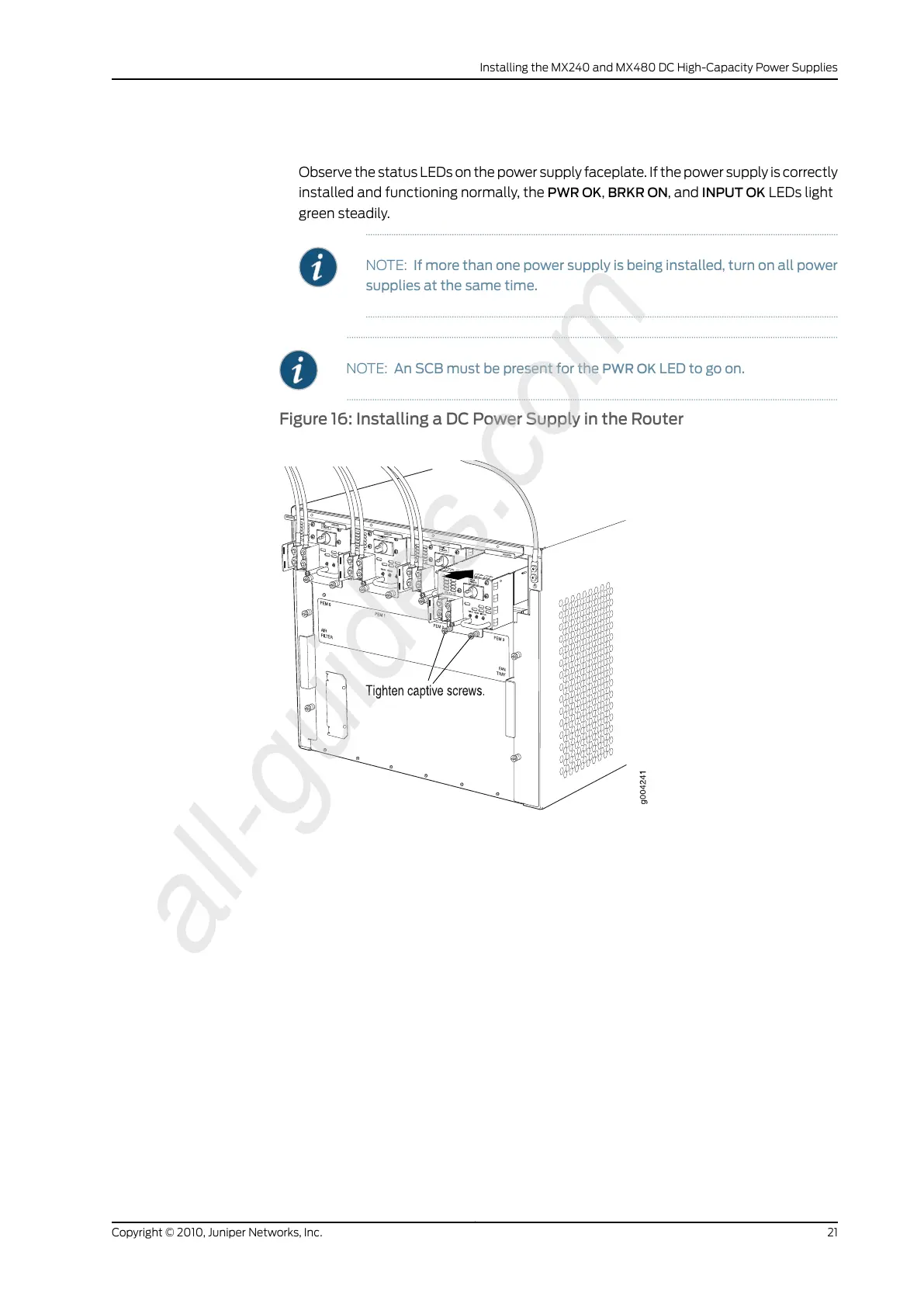
Figure 16: Installing a DC Power Supply in the Router
21Copyright © 2010, Juniper Networks, Inc.
Installing the MX240 and MX480 DC High-Capacity Power Supplies



 To Next Page