25Juvent 1000 Instruction Manual
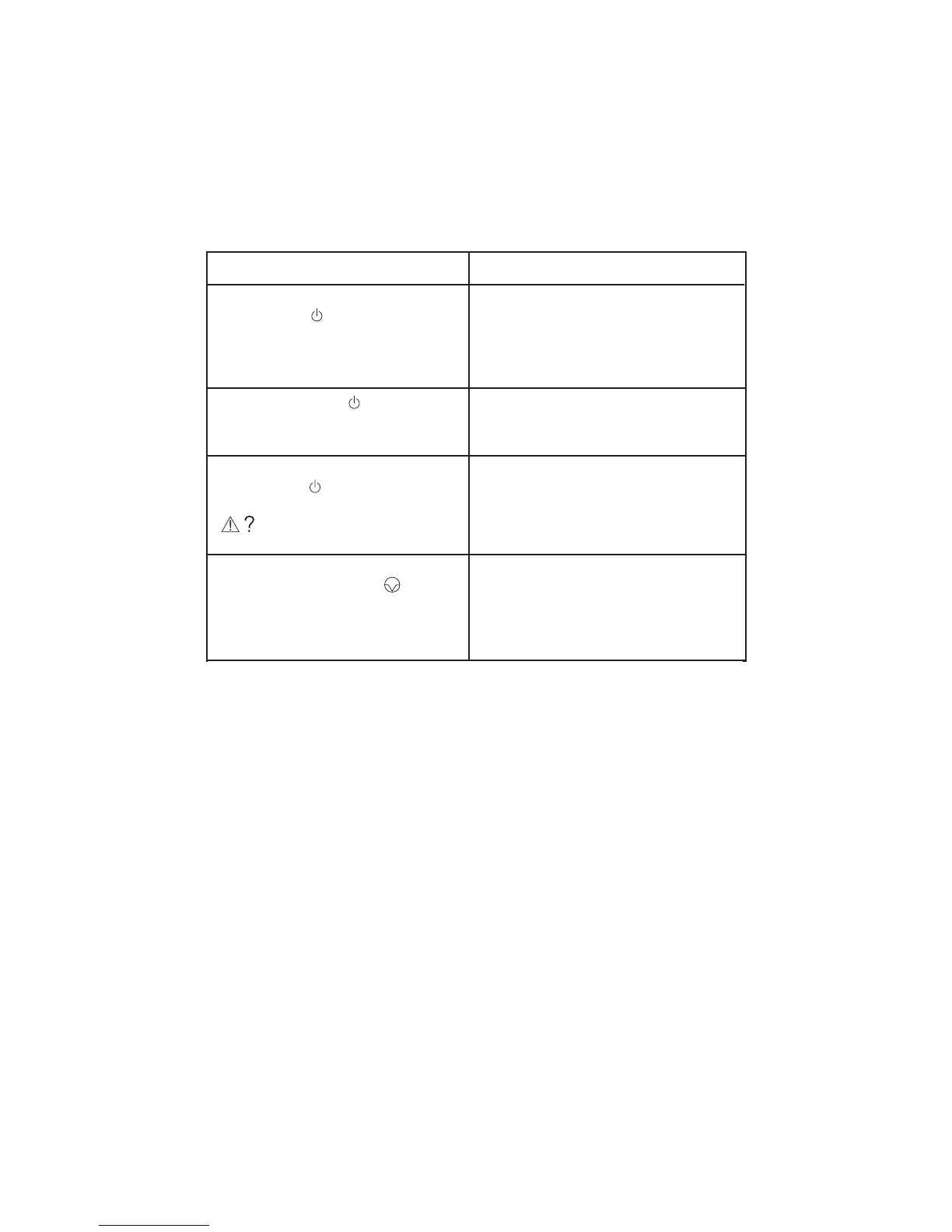
Symptom Suggested Solution
Unit does not operate. Front-panel
STANDBY LED (green) is not lit and
unit fails to start when user stands on
the Platform.
Make sure that the power supply included
with the unit is plugged into a functioning,
electrical outlet, and that the front-
mounted power switch on the unit is ON.
Plug in power supply to back of unit.
Green STANDBY LED is lit but unit
fails to start and indicates error code.
Ensure that unit is not on deep carpet or a
steeply tilted surface. Move to a hard, flat
surface.
During the first 12 seconds, the green
STANDBY LED is lit, but unit stops
and displays an error code.
There is an internal error. Please call
Juvent customer service for additional
help.
Unit stops and beeps, timer display
freezes, PAUSE icon lights, and blue
lightbar flashes when user steps
off Platform.
This is normal; unit enters PAUSE mode
and remains paused for up to five minutes
when user steps off the platform while unit
is running. After five minutes, unit
automatically shuts off.
Troubleshooting


 To Next Page