MiniDV Recorder VHS Recorder
10
Video Decks
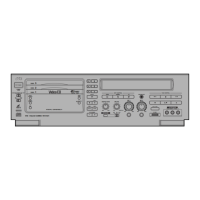
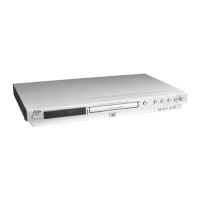
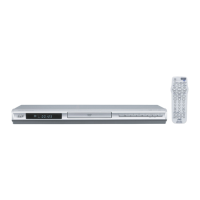
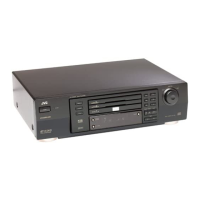
Super VHS Hi-Fi VCR with pro-style editing features
Super VHS Hi-Fi Stereo Video Cassette Recorder
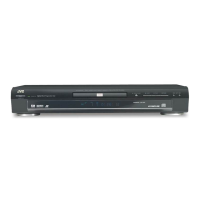
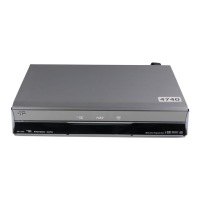
HR-S5912 HR-S5902
• Playable Formats: S-VHS, VHS Hi-Fi
• Super VHS High Resolution plus Super VHS ET
Recording
• VHS Hi-Fi Stereo with MTS Decoder
• Super VHS High Resolution plus Super
VHS ET Recording for +60% sharper
pictures
• Reliable Timer Recording (VCR Plus+, Rec
Link, Express Programming, 24-Hr Quick
Programming)
• Insert Editing with Flying Erase Head/Audio
Dubbing for pro-style editing
• Advanced Jog Dial allows frame-by-
frame playback, variable speed slow
motion and search
• Multi-Brand TV/Cable/DBS Compatible
Remote with Glow-Keys
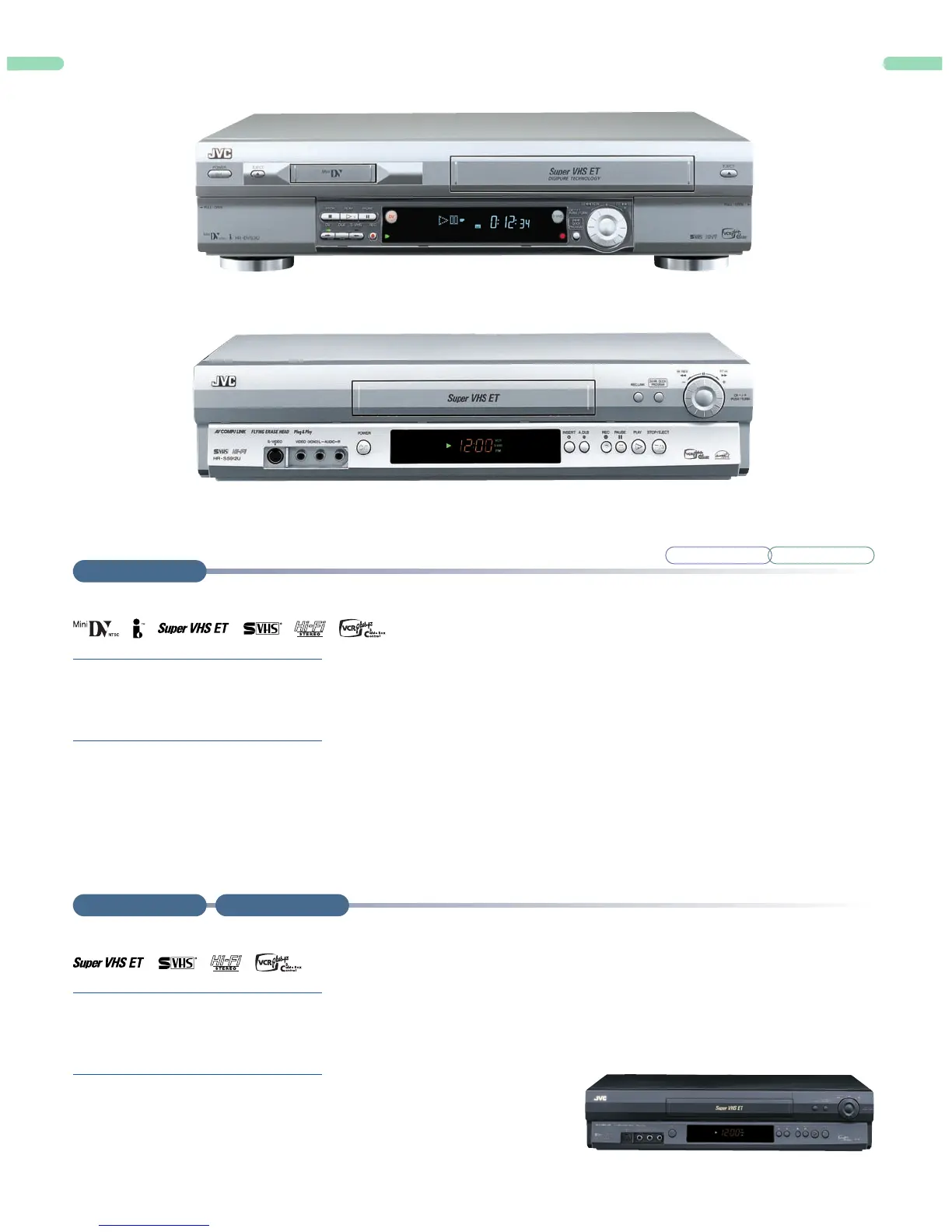
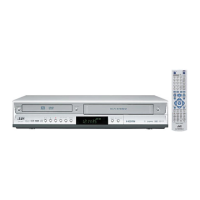
MiniDV and VCR Combo Deck allows easy playback of MiniDV, editing from MiniDV to S-VHS/VHS and connectivity with Non-Linear Editing systems
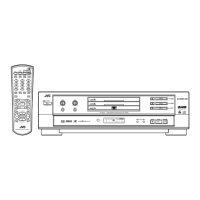
MiniDV/Super VHS Hi-Fi Stereo Video Cassette Recorder
HR-DVS3
• Playable Formats: MiniDV, S-VHS, VHS Hi-Fi
• Super VHS High Resolution plus Super VHS ET
Recording
• VHS Hi-Fi Stereo with MPX Decoder
• MiniDV Format
• Easy PC Connectivity and NLE
Compatibility (MiniDV/S-VHS/VHS ↔ PC)
• One Touch Dubbing (MiniDV ↔ S-VHS/
VHS) — A single touch of a button lets you
dub contents from a MiniDV tape to an
S-VHS/VHS tape and vice versa.
• 64-Program “EasyEdit” (MiniDV → S-VHS/
VHS) lets you choose up to 8 segments at
a time on the MiniDV tape, and
automatically copy to S-VHS/VHS. Thus
with the 8 pre-set programs stored in
memory, you can keep 64 segments in the
deck.
• DV Input/Output terminals permit editing
and dubbing of MiniDV content from a
digital video camera
• DigiPure Technology improves the image
quality on your S-VHS/VHS tape recordings
• PCM Digital Audio (MiniDV)
• Advanced Jog (S-VHS/VHS)
HR-S5902
HR-DVS3
HR-S5912


 To Next Page