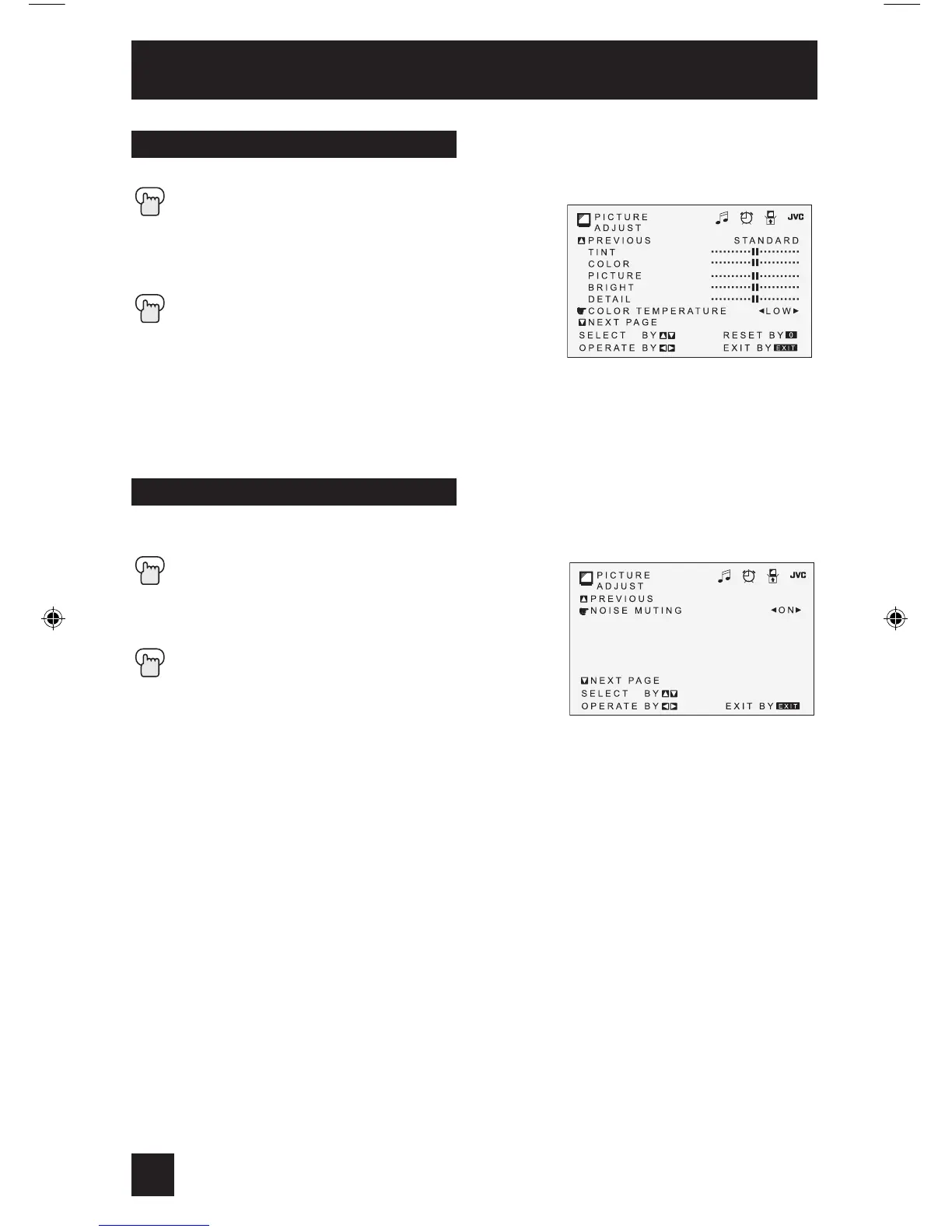
This feature inserts a blank blue screen over channels which are not broadcasting or are too
weak to be received clearly.
Press the MENU button
π†
To NOISE MUTING
è
To turn noise muting ON or OFF
Press the EXIT button when finished
Note:
• Noise muting will not work during auto tuner setup or when you operate channel summary.
Noise Muting
Color Temperature
You can decide how strong or dull the colors appear on the TV screen.
Press the MENU button
π†
To COLOR TEMPERATURE
è
To enter
è
To set LOW or HIGH
Press the EXIT button when finished
• For models AV-36D304 and AV-32D304 only.
Picture Adjust
36


 To Next Page