28 CA-EX70
Basic Operations
The following operations play all 3 CDs once, one after another.
1 Load CDs.
See “Loading CDs” on page 27.
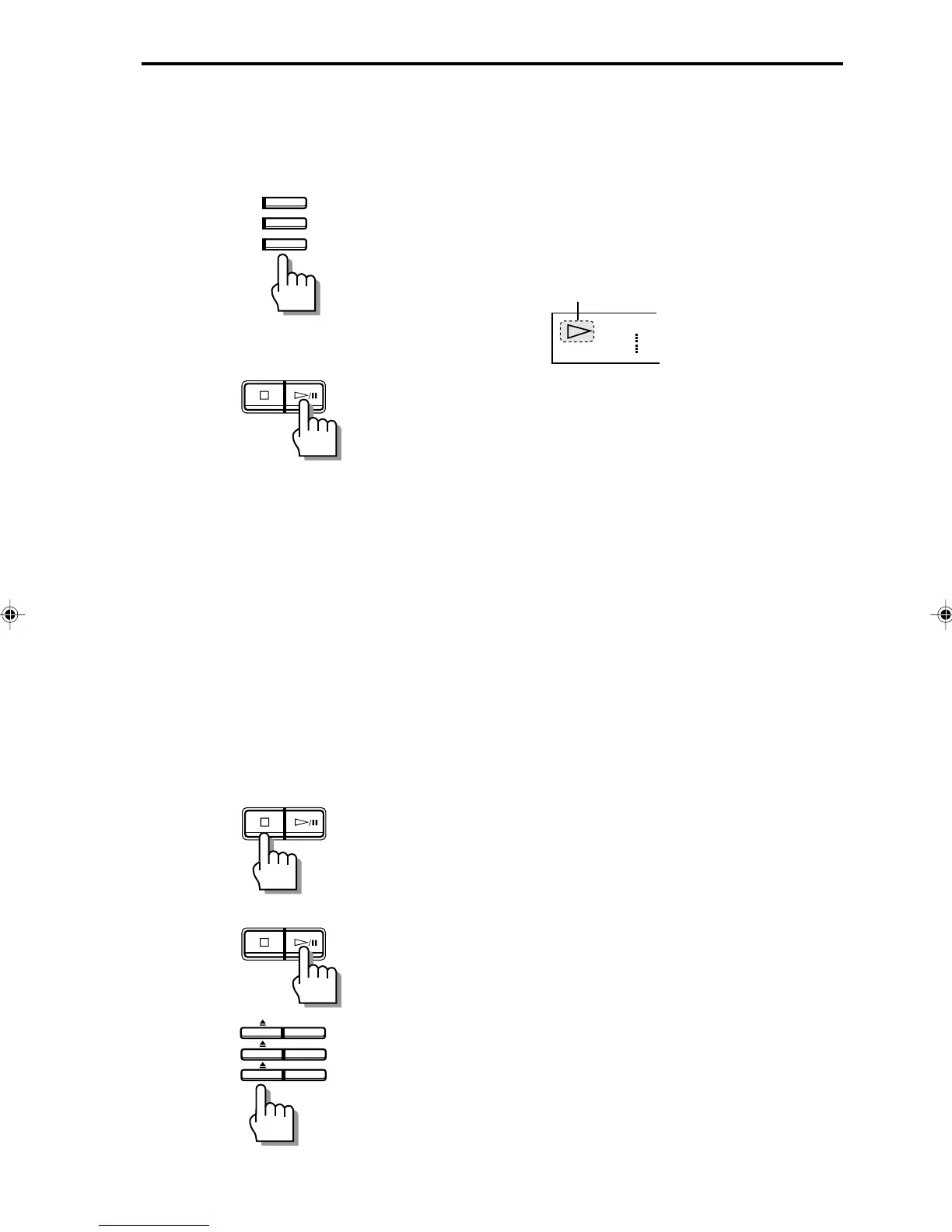
2 Press CD 1, CD 2 or CD 3 for the disc you
want to play.
The amplifier/tuner automatically switches to the CD
input and the CD starts to play.
The ‹ indicator lights up.
Press ‹/8 instead of CD 1, CD 2 or CD 3 to start
playing the CD whose disc number appears in the
display.
One touch operation
When the unit is in the STANDBY mode, press CD 1,
CD 2 or CD 3 or ‹/8 to automatically turn on the
power to the CD player and amplifier/tuner, set the
amplifier/tuner to the CD input and start playing the CD.
CD playback sequence
When 3 CDs are loaded, they are played in one of the
following sequences.
When CD 1 is pressed
CD 1 ] CD 2 ] CD 3 (then stops)
When CD 2 is pressed
CD 2 ] CD 3 ] CD 1 (then stops)
When CD 3 is pressed
CD 3 ] CD 1 ] CD 2 (then stops)
* When only 2 CDs are loaded, they play in the same
order, but the disc tray without a CD is skipped.
To stop playback
Press &/CANCEL.
When playback is stopped, the display shows the total
number of tracks and total playing time of the current disc
for 4 seconds, then it shows the playing time for track 1.
To pause playback
Press ‹/8. The * indicator lights up.
Press again to resume playback from the position where it
was paused.
To remove a CD:
Press the respective 0.
Lights
CD 3
CD 2
CD 1
DISC
/CANCEL
/CANCEL
/CANCEL
CD 3
CD 2
CD 1
EN27-39.CA-EX70[J]/1 98.6.8, 9:58 AM28



 To Next Page