1
Turn o the camcorder by pressing
the
button for about 1 second.
• The power lamp goes out.
2
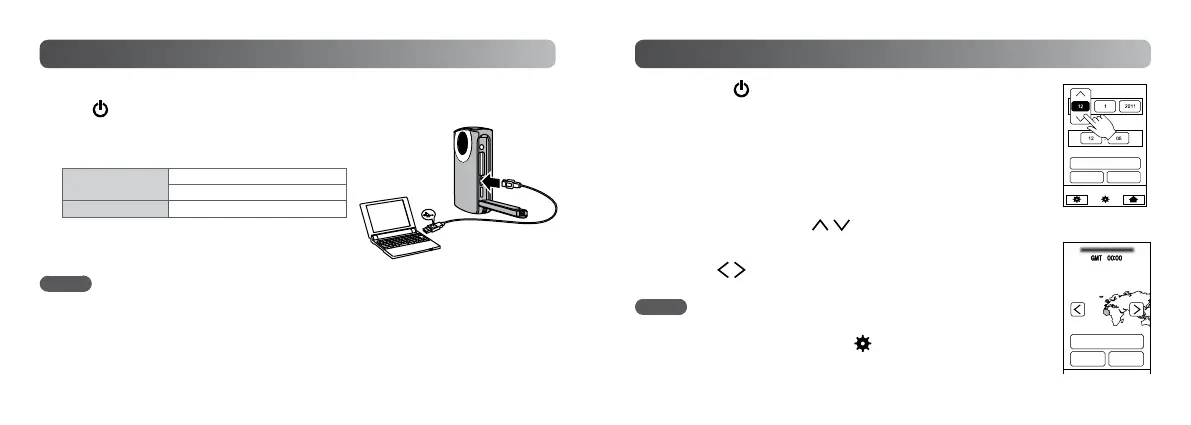
Connect the camcorder to a computer.
Charge Lamp
Blinks: Charging
Goes out: Charging nished
Charging Time
Approx. 3 h
• When the charging is nished, disconnect the
camcorder from the computer.
Charging the battery
NOTE
• Charging is not possible while the camcorder is turned on.
• Make sure that the computer is turned on during charging.
• You cannot record or play back video/still image/audio le while the camcorder is
connected to a computer.
1
Press the button for about 1 second to turn on
the camcorder.
2
Touch [YES] when the [SET DATE/TIME!] screen
appears.
3
Set the date and time, then touch [SET].
• Touch and select the day, month, year, hour and
minute, then touch
to make adjustments.
4
Set the region where you live and touch [SAVE].
• Touch to make adjustments.
NOTE
• When a [SET DATE/TIME!] message does not appear on the screen, or
you want to adjust the clock, touch
on the Top Menu, then touch
[CLOCK ADJUST]. (Refer to the “Detailed User Guide” (P.18) in the
built-in memory.)
Setting the Date and Time
SAVE
LONDON
CASABLANCA
LISBON
RETURN QUIT
RETURN QUIT
SET
CLOCK SETTING
USB cable
Computer
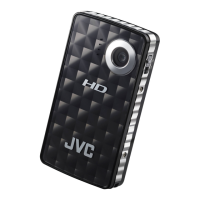
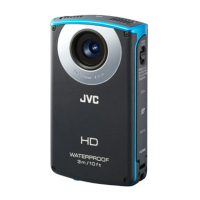
GC-WP10
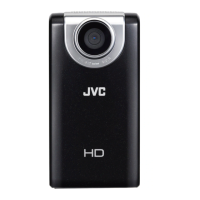
USB connector on GC-FM2 (P.8)


 To Next Page