Connections To A TV/VCR
1) Make sure all units are turned off.
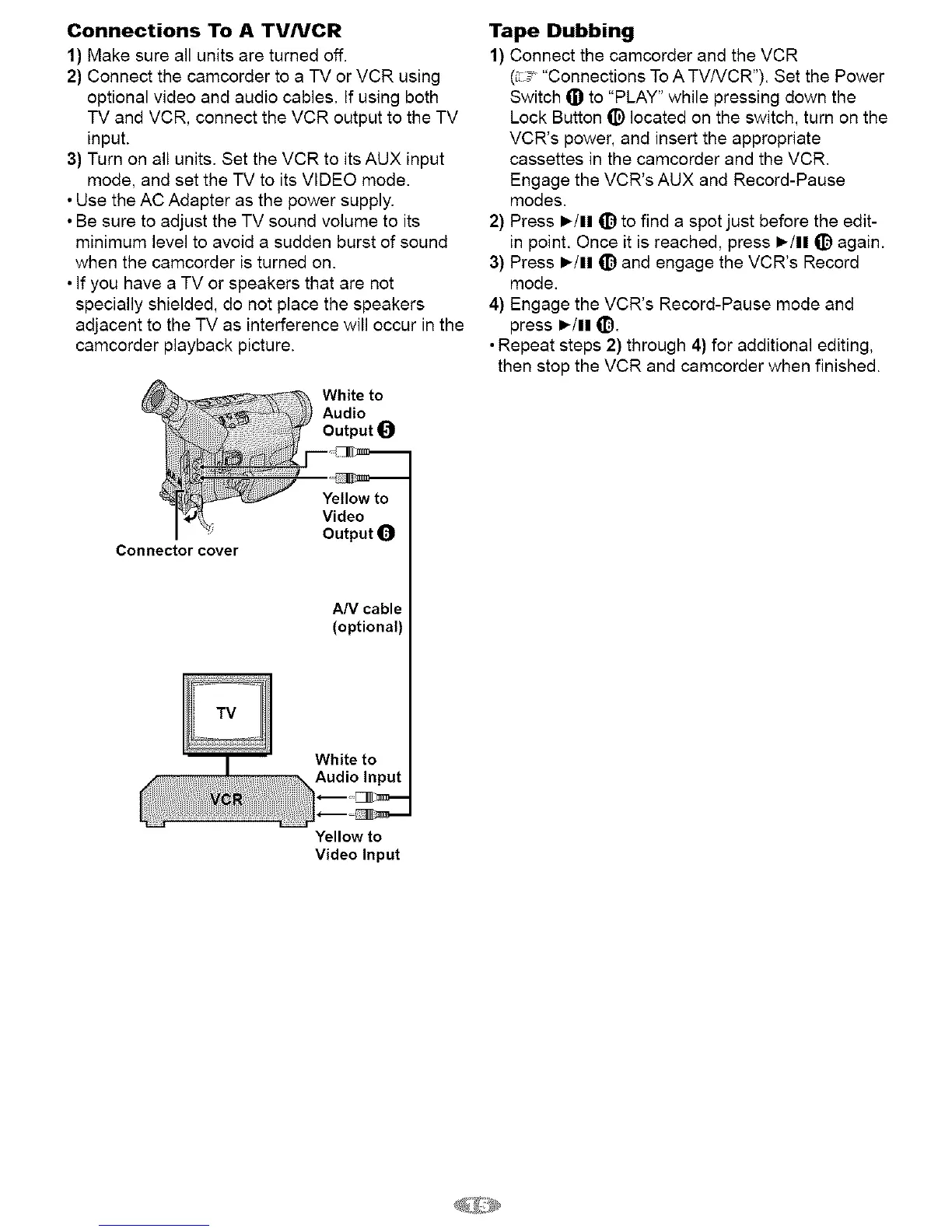
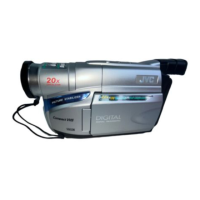
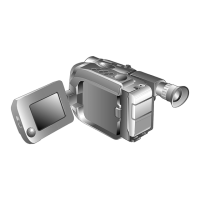
2) Connect the camcorder to a TV or VCR using
optional video and audio cables. If using both
TV and VCR, connect the VCR output to the TV
input.
3) Turn on all units. Set the VCR to its AUX input
mode, and set the TV to its VIDEO mode.
• Use the AC Adapter as the power supply.
• Be sure to adjust the TV sound volume to its
minimum level to avoid a sudden burst of sound
when the camcorder is turned on.
• If you have a TV or speakers that are not
specially shielded, do not place the speakers
adjacent to the TV as interference will occur in the
camcorder playback picture.
Connector cover
White to
Audio
Output 0
i---_
Yellow to
Video
Output 0
Tape Dubbing
1) Connect the camcorder and the VCR
(_ _, "Connections To A TV/VCR"). Set the Power
Switch _) to "PLAY" while pressing down the
Lock Button (_) located on the switch, turn an the
VCR's power, and insert the appropriate
cassettes in the camcorder and the VCR.
Engage the VCR's AUX and Record-Pause
modes.
2) Press I_/11 (_) to find a spot just before the edit-
in point. Once it is reached, press )/11 (_) again.
3) Press I_/11 (_) and engage the VCR's Record
mode.
4) Engage the VCR's Record-Pause mode and
press )/11 qiD.
• Repeat steps 2) through 4) for additional editing,
then stop the VCR and camcorder when finished.
AN cable
(optional)
Yellow to
Video Input


 To Next Page