ENGLISH
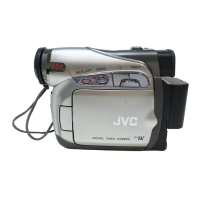
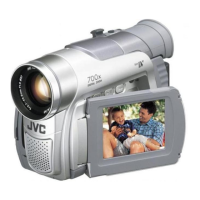
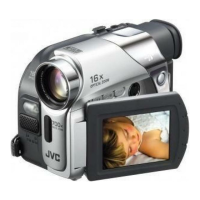
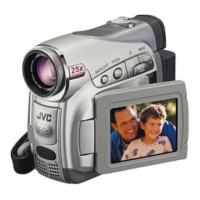
GR-D250
LYT1353-001A
EN
Dear Customer,
Thank you for purchasing this digital
video camera. Before use, please
read the safety information and
precautions contained in the pages
3 – 4 and 9 to ensure safe use of this
product.
Please visit our Homepage on the World Wide Web for
Digital Video Camera:
For Accessories:
http://www.jvc.co.jp/english/cyber/
http://www.jvc.co.jp/english/accessory/
INSTRUCTIONS
DIGITAL VIDEO CAMERA
GETTING STARTED
6
VIDEO RECORDING &
PLAYBACK
17
ADVANCED FEATURES
22
REFERENCES
38
TERMS
For Customer Use:
Enter below the Model No. and
Serial No. which is located on the
bottom of the camcorder. Retain this
information for future reference.
Model No.
Serial No.
To deactivate the demonstration,
set “DEMO MODE” to “OFF”.
(墌 pg. 22, 25)
47
GR-D250US.book Page 1 Wednesday, November 24, 2004 6:13 PM

 Need help?

 To Next Page
 General