EN35
100-DVC00021 VGA
19 00
00
00
00
03
00
20
21
23
22
NEXT
24
<
DPOF
>
SE ECTL
–
EXECUTE
CANCEL
DPOF
TO PRINT BY SELECTING STILL IMAGES
AND NO. OF PRINTS
1
Perform steps 1 through 3 on pg. 34.
2
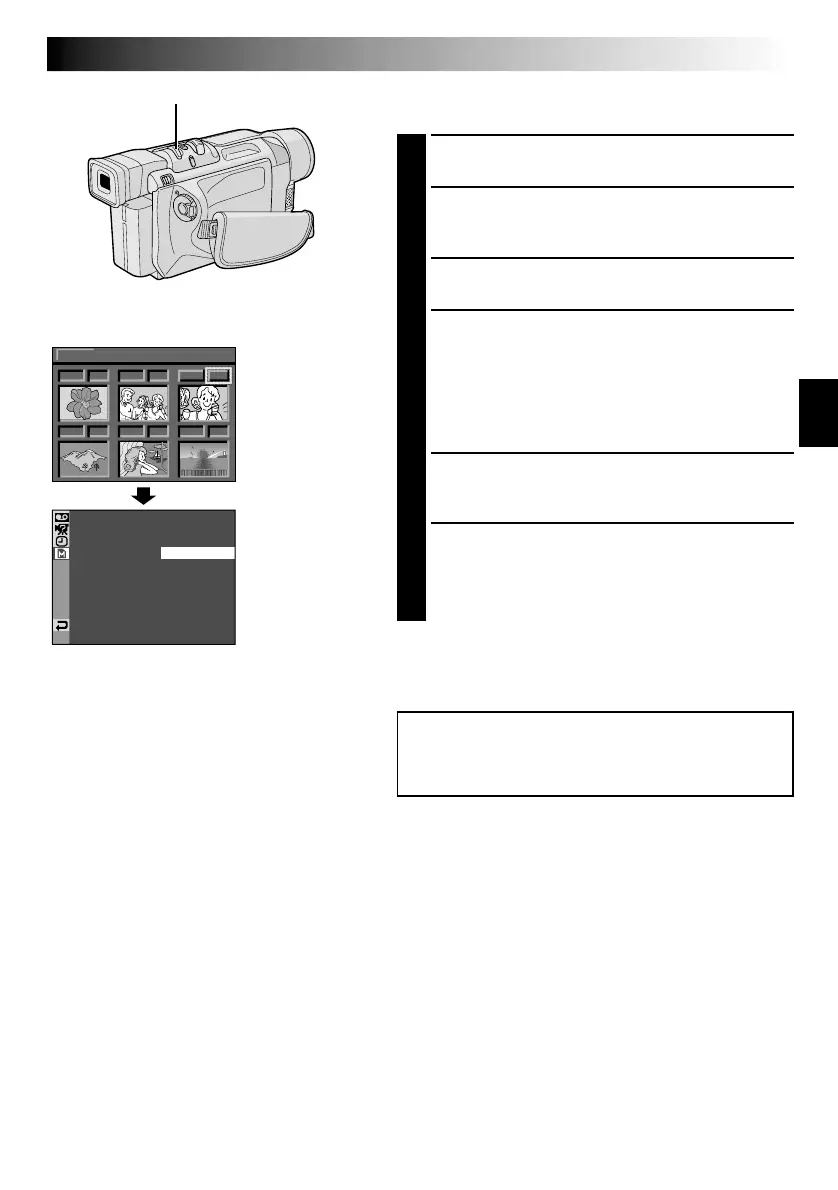
Rotate the MENU/BRIGHT wheel to selsect “SELECT”
and press it. Selection is complete. The DPOF Screen
appears.
3
Rotate the MENU/BRIGHT wheel to move the green
frame to the image you wish to print and press it.
4
Select the number of prints by rotating the MENU/
BRIGHT wheel towards “+” to increase the number,
or towards “–” to decrease the number and press it.
Repeat steps 3 and 4 for the desired number of prints.
•The number of prints can be set up to 15.
•To correct the number of prints, select the image
again and change the number.
5
Rotate the MENU/BRIGHT wheel upward to select
“NEXT” and press it. Selection is complete. The
Confirmation Screen appears.
6
Rotate the MENU/BRIGHT wheel to select
“EXECUTE” and press it. The normal playback screen
appears.
•To cancel selection, rotate the MENU/BRIGHT
wheel to select “CANCEL” and press it.
To Reset The No. Of Prints . . .
.... select “RESET” in step 4 on pg. 34. The number of
prints is reset to 0 for all still images.
DPOF Screen
NOTES:
●
If you load a memory card already set as shown above
in a printer compatible with DPOF, it will make prints of
the selected still images automatically.
●
To print images recorded on a tape, first dub them to a
memory card (
墌
pg. 56).
CAUTION:
While performing the above, never disconnect power,
as this may cause the memory to be corrupted.
Display
Confirmation
Screen
MENU/BRIGHT Wheel



 To Next Page