EN
57
FEATURE:
Playback Zoom
PURPOSE:
To magnify the recorded image up to 70X at any
time during playback.
OPERATION:
1) Press PLAY (
4
) to find the scene of interest.
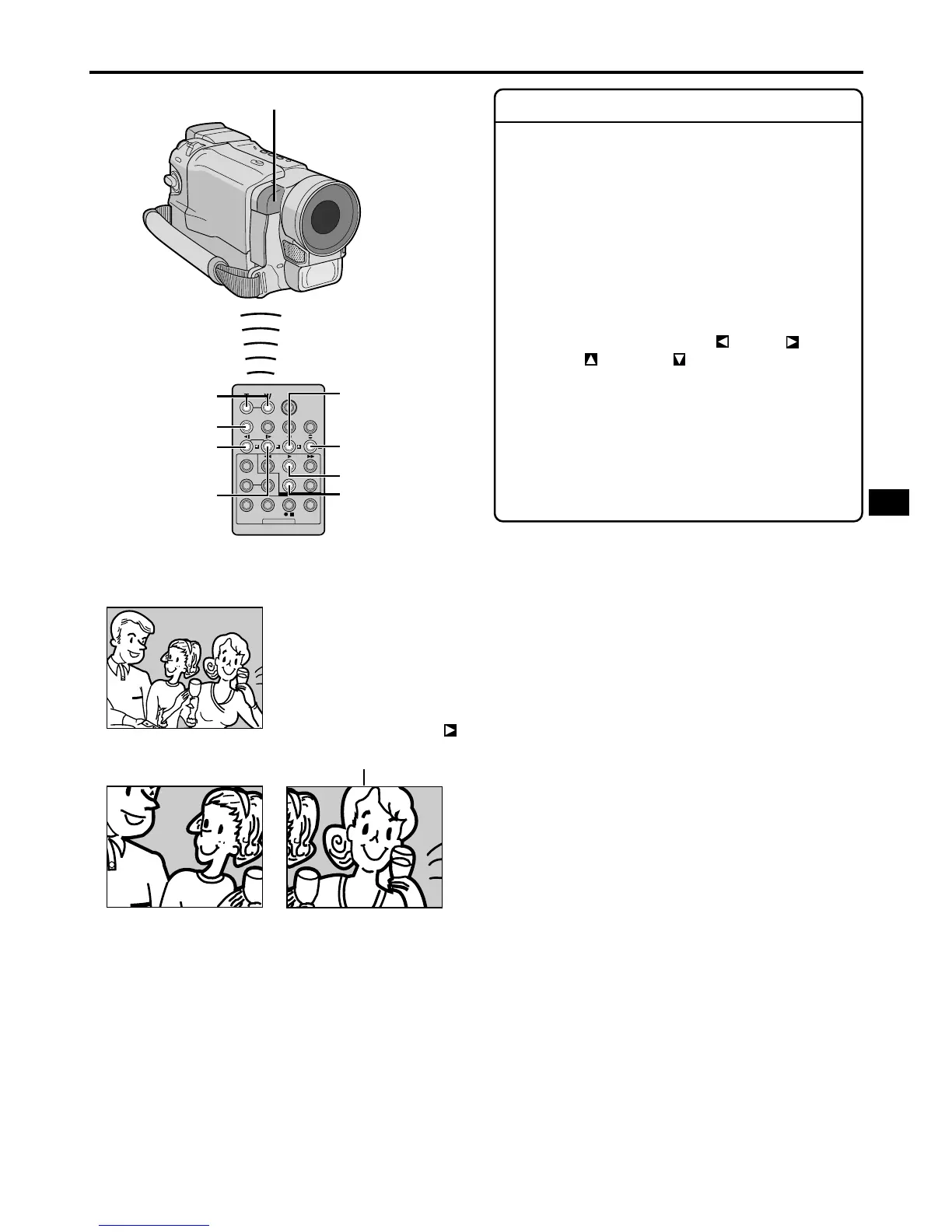
2) Press the Zoom Buttons (T/W) on the remote
control. Make sure the remote control is pointed
at the camcorder's remote sensor. Pressing T
zooms in.
3) You can move the image on screen around to
find a particular portion of the picture. While
holding down SHIFT, press (Left),
(Right), (Up) and (Down).
䡲 To end zoom, press and hold W until
magnification returns to normal. Or, press STOP
(5) and then press PLAY (
4
).
NOTES:
● Zoom can also be used during slow-motion and still
playback.
● Due to ditital image processing, the quality of the
image may suffer.
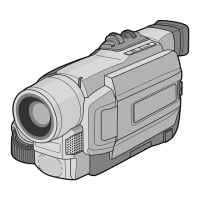
Remote sensor
Down Button
Press T
Normal playback
To move image, press
(Right) while keeping
SHIFT held down.
Zoom Buttons
Right Button
Up Button
PLAY
STOP
SHIFT
Left Button


 To Next Page