After the indicator has flashed, the earphone is charged and the indicator
lights up.
If the indicator does not flash, repeat step 2 from the beginning.
3 Press and hold the R touch sensor area for about 15 seconds until
the R indicator flashes twice.
After the indicator has flashed, the earphone is charged and the indicator
lights up.
If the indicator does not flash, repeat step 3 from the beginning.
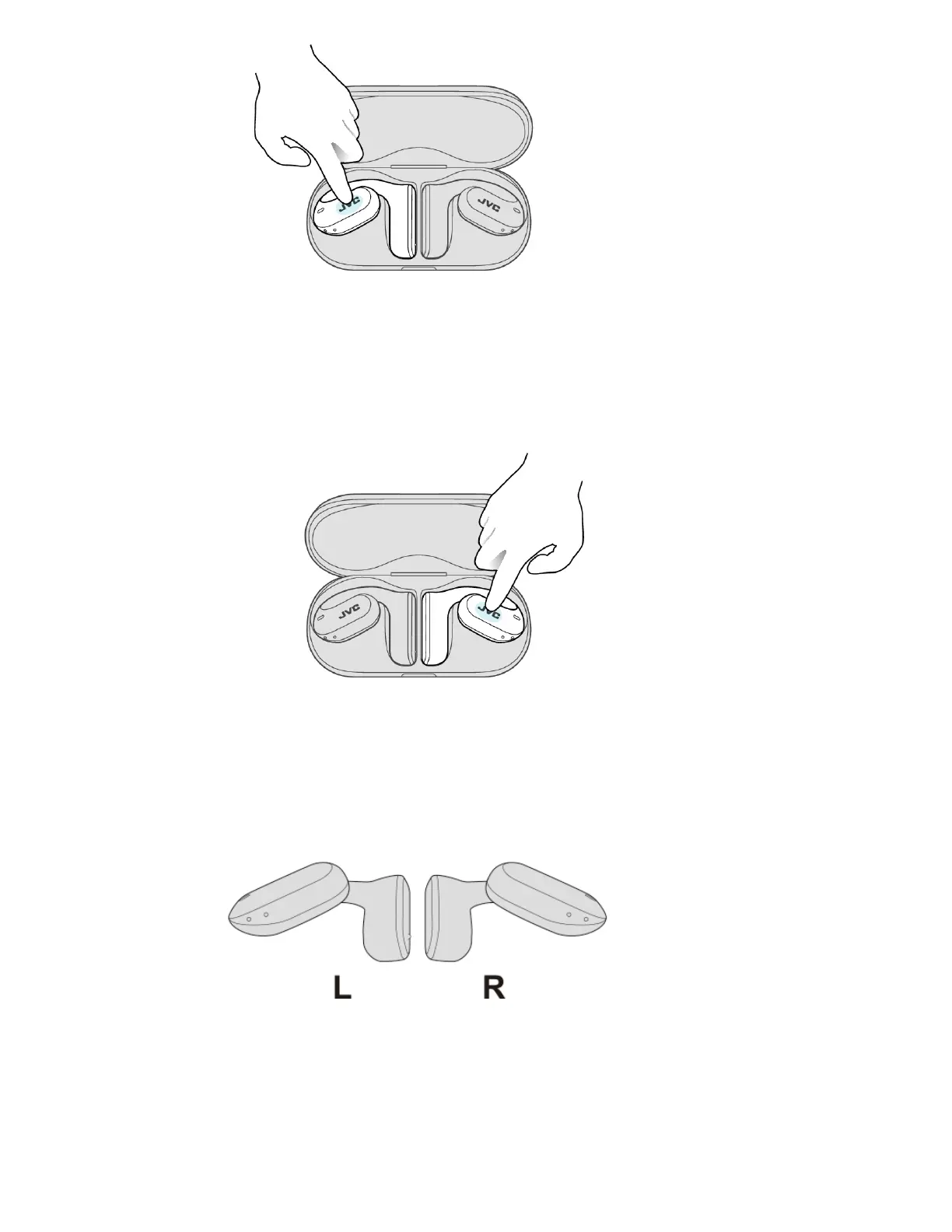
4 Remove the earphones from the charging case and set the L and R
earphones side by side.
The L and R indicators light up and the power turns on.
5 After a while, the L and R earphones are connected to each other
and the R indicator starts to flash slowly (once every 5 seconds).
Then the L indicator starts to flash quickly and repeatedly.



 To Next Page
 Loading...