Back Next
The settings are restored to the initial state (factory default).
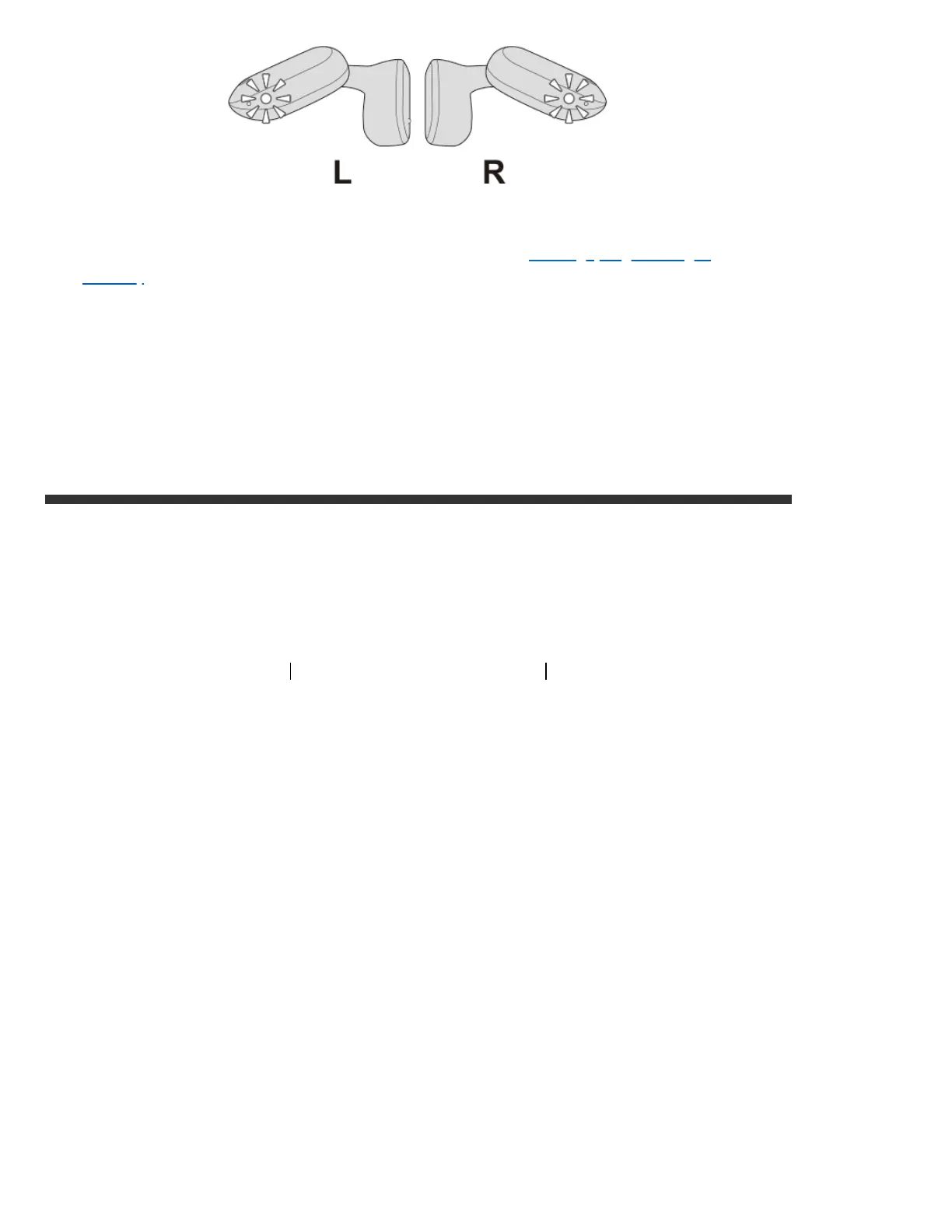
When the L and R indicators flash quickly, the earphones are now ready for
device pairing. Pair the earphones with a device. Pairing (Registering a
device)
When the sound only emits from one side of the earphones even when the
earphones are connected to the BLUETOOTH device, touch and hold the touch
sensor area on both earphones again to turn off the power and repeat the
steps from the beginning.
Top of page
Contact & Support (English Only)
© 2022 JVCKENWOOD Corporation
WIRELESS HEADPHONES HA-NP35T



 To Previous Page
 Loading...