8
Basic operations
Selecting a better reception channel
When the playback sound is noisy, you can
choose one of the other two channels to
transmit signals on the base station.
• The white noise may come out when
switching the channel. Take off the
headphones when switching the channel.
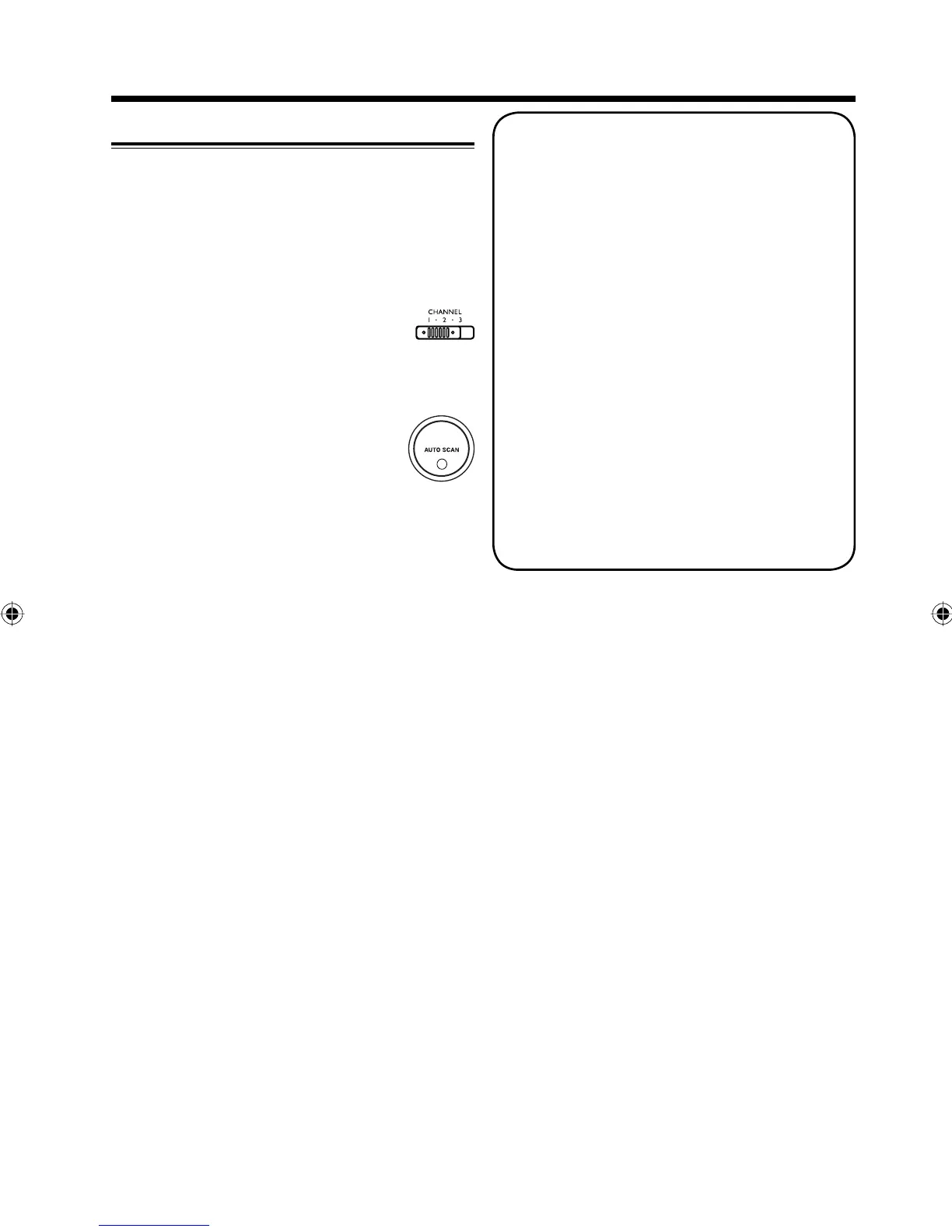
1 Slide the CHANNEL
selector on the back side of
the base station to select another
channel.
2 Press AUTO SCAN on the
headphones to tune in to
the new channel.
3 Repeat Steps 1 and 2 to select the
best channel.
Listening area
The headphones can receive the FM signal
of the base station 100 m away from it at
maximum (when no interference or obstacles
exist between them). But the receivable
range becomes shorter or reception quality
becomes poorer in the following cases:
– In places such as reinforced concrete
buildings
– Obstacles such as steel-reinforced doors
exist between the base station and
headphones
– Items such as metal furniture are situated
nearby
– In places facing a street
– Noise or interference sources exist nearby
(e.g. mobile ham, radio stations, high-
voltage power lines, a microwave oven,
cordless phones, cellular phones, etc.)
HAW600RF_B.indb 8HAW600RF_B.indb 8 06.6.26 6:08:41 PM06.6.26 6:08:41 PM


 To Next Page
 Loading...