22
123
456
789
0
123
456
789
0
PLAYBACK AND RECORDING FEATURES (cont.)
Playback
The VCR assesses the quality of the tape once you initiate
playback.
Before beginning, perform steps 1 and 2 on page 10.
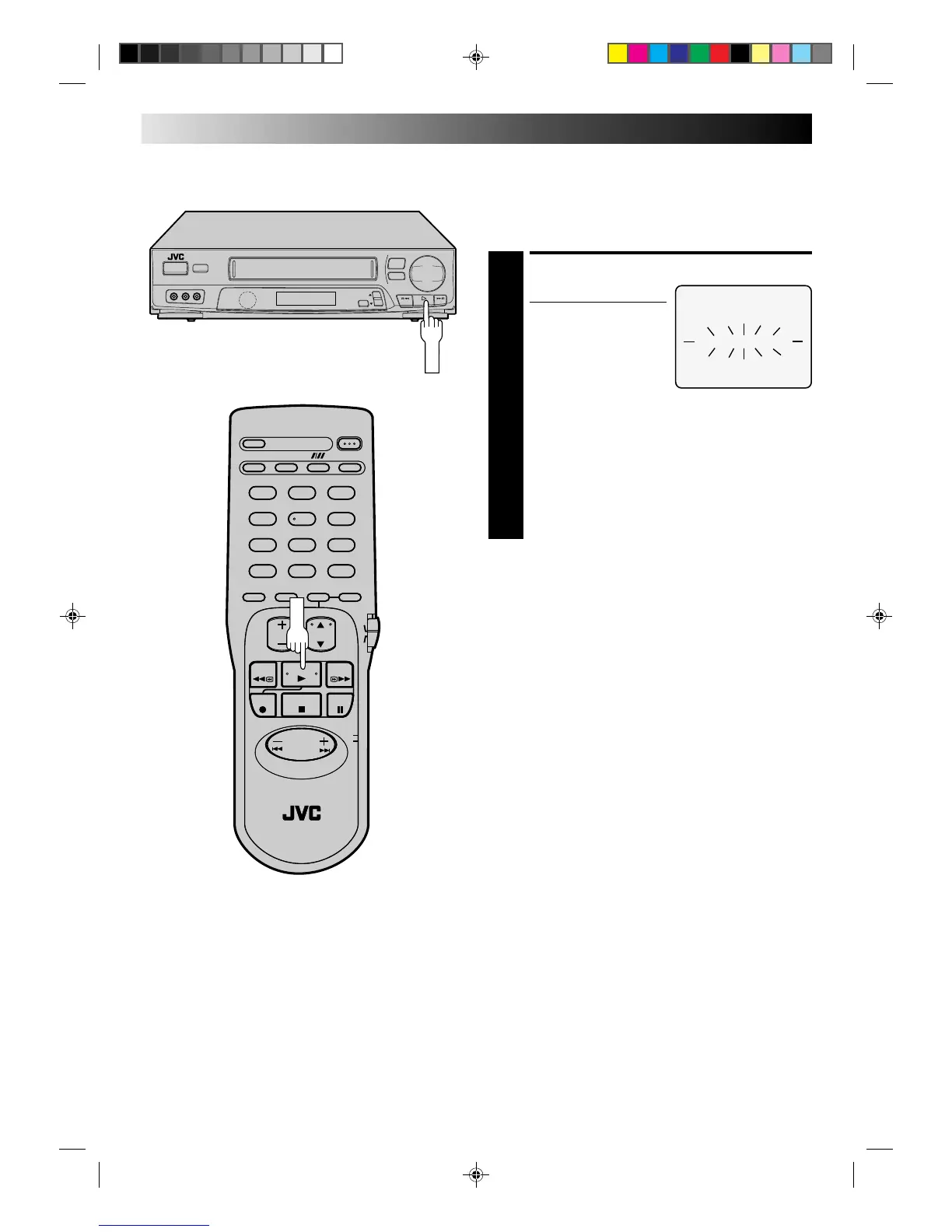
START PLAYBACK
1
Press PLAY.
● The VCR adjusts the
playback picture quality
based on the quality of
the tape in use.
NOTES:
●
When using rental tapes, or tapes recorded on other
VCRs, set “PLAYBACK” in step 4 of the Preparation
procedure to either “ON” or “OFF” as desired
(
Z
pg. 20).
●
The B.E.S.T. Picture System screen only appears at the
beginning of automatic tracking. Even though the
screen doesn't appear after that, the B.E.S.T. function
is operative.
●
SUPERIMPOSE must be set to "ON" or the B.E.S.T.
Picture System screen will not appear (
Z
pg. 15).
B.E.S.T.PICTURE SYSTEM
6
5/8
q
–
™
+
£



 To Next Page
 Loading...