1-11
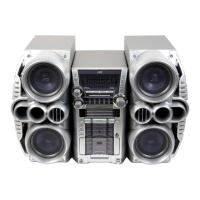
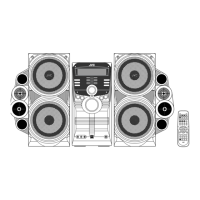
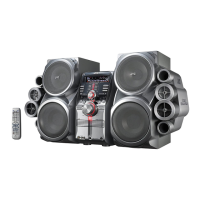
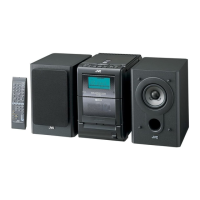
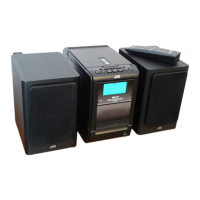
HX-Z3
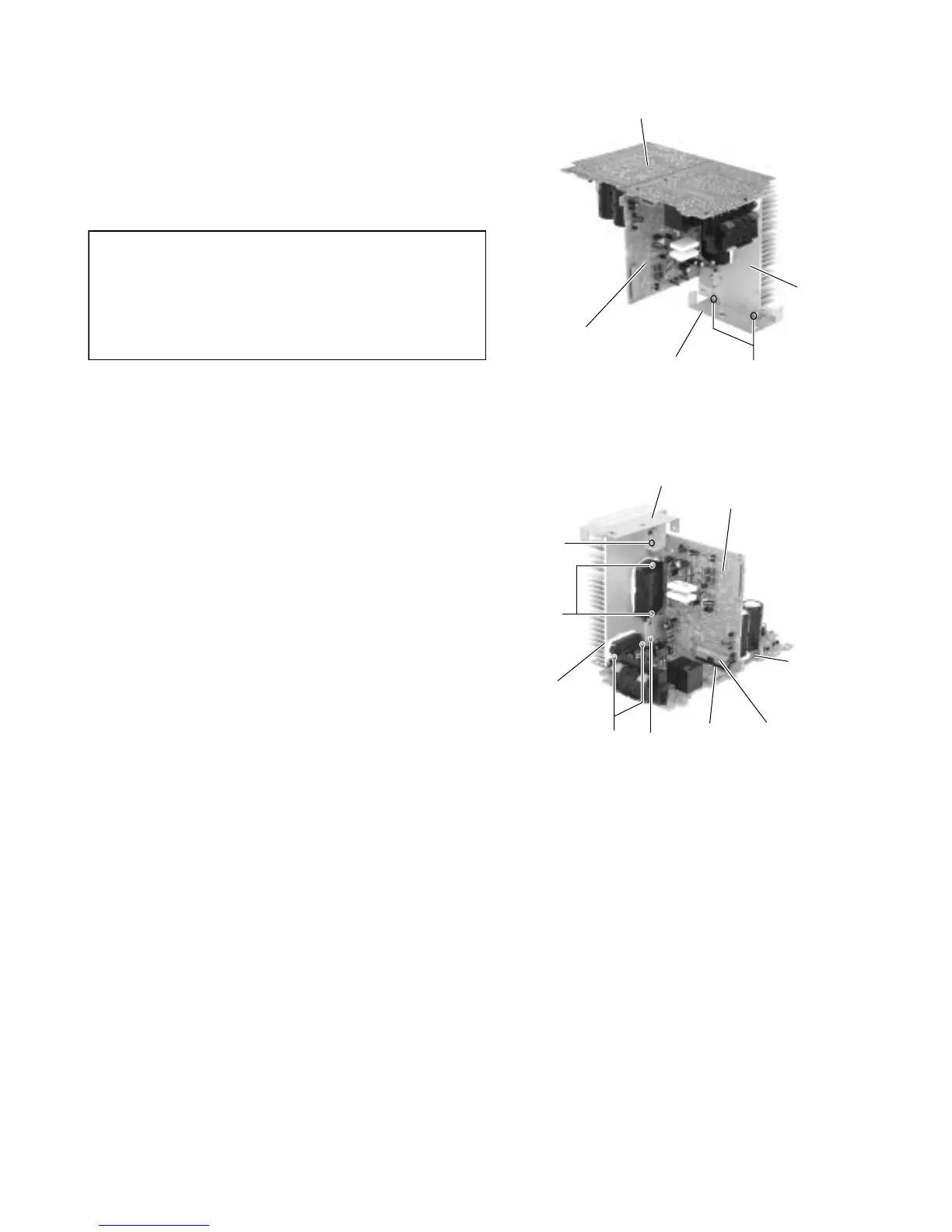
Remove the two screws J attaching the heat sink
bracket.
Remove the two screws M, detach bridge board from
regulator board by disconnect connector CN205.
Remove the two screws K and two screws L to
detach regulator board from heat sink.
6.
7.
8.
As assembly back the regulator board and
bridge board to heat sink.
Regulator board must be assembly to heat
sink first and screws K and L must be
screwed before bridge board attach to
regulator board.
CAUTION:
Heat sink bracket
Heat sink bracket
Fig.26
Fig.27
Heat sink
Heat sink
Bridge board
Bridge board
Regulator board
Regulator board
J
K
L
ML
CN215CN205


 To Next Page
 Loading...