English - 12
J General Functions of the Buttons
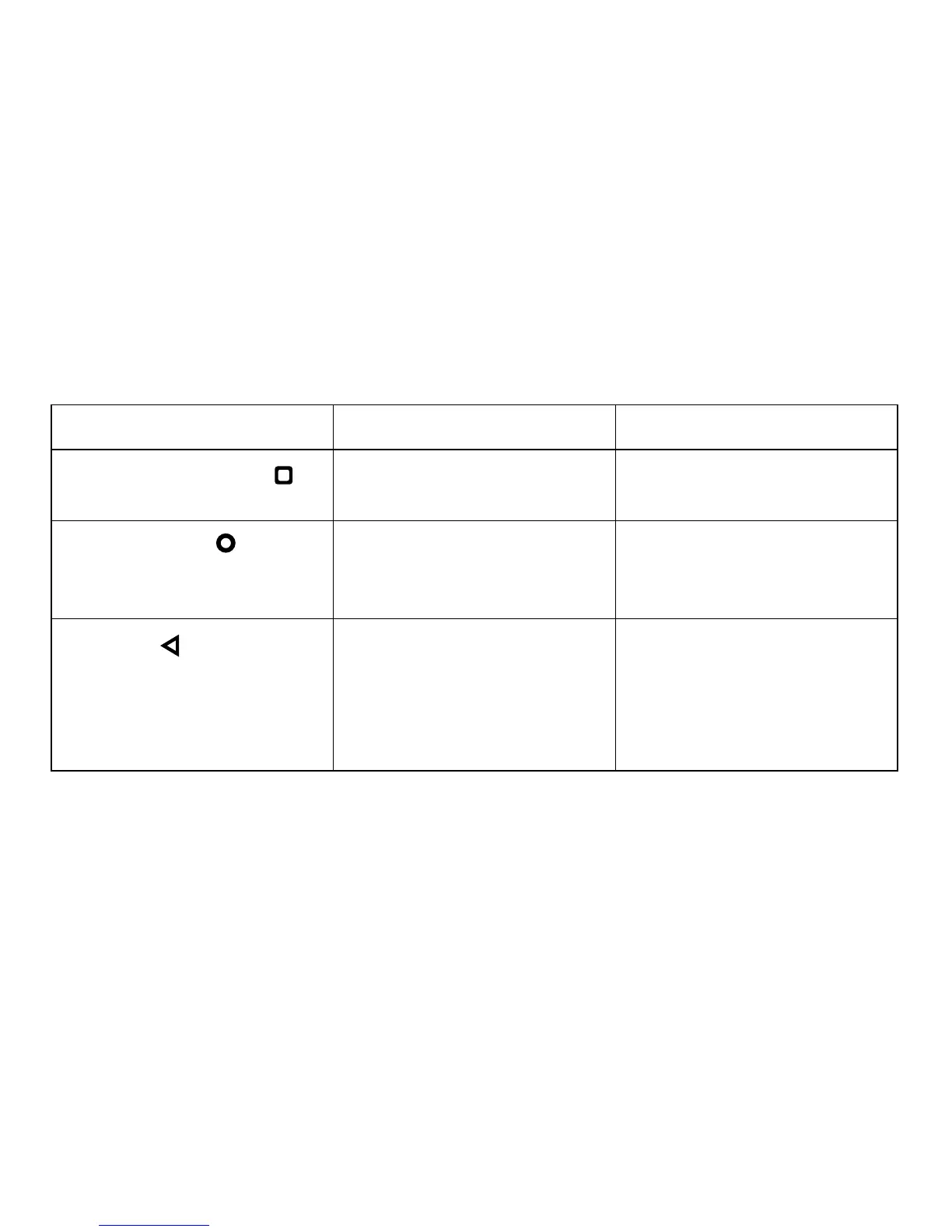
Name of the Button Single Tap Tapping and Holding
Recent Applications Button
Lists the applications used
recently.
Long pressing recent button can
split the screen.
Main Screen Button
Opens the main screen. Browser is launched when the
main screen button is held
tapped.
Back Button
Returns to the previous screen
you have viewed. Turns off
the on-screen keyboard if it
pressed while the on-screen
keyboard is on.



 To Next Page