30
ENGLISH
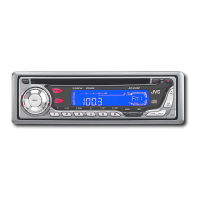
Changing the standard plate
You can change the standard plate with another
plate supplied with your unit.
You can also download them by visiting
<http://www.jvc.co.jp/jvccar>.
• When changing the plate, be careful not to
leave your fingerprints on the plate or cover.
1
Loosen the screws with the supplied
hex screwdriver.
2
Remove the plate cover and the
standard plate.
Plate cover
Standard plate
Plate cover
Standard plate
Plate cover
Cutout or
downloaded
plate
Transparent plate
(supplied)
3
Replace with another plate (a
standard, cutout, or downloaded
plate) of your preference.
• When attaching a standard plate
• When attaching a cutout or downloaded
plate
Add the transparent plate (supplied)
between the cutout or downloaded plate
and the plate cover in order to attach the
plate cover in place.
EN25-32KD-AR600_500[J]-6 30/9/03, 16*1430


 To Next Page
 Loading...