20
ENGLISH
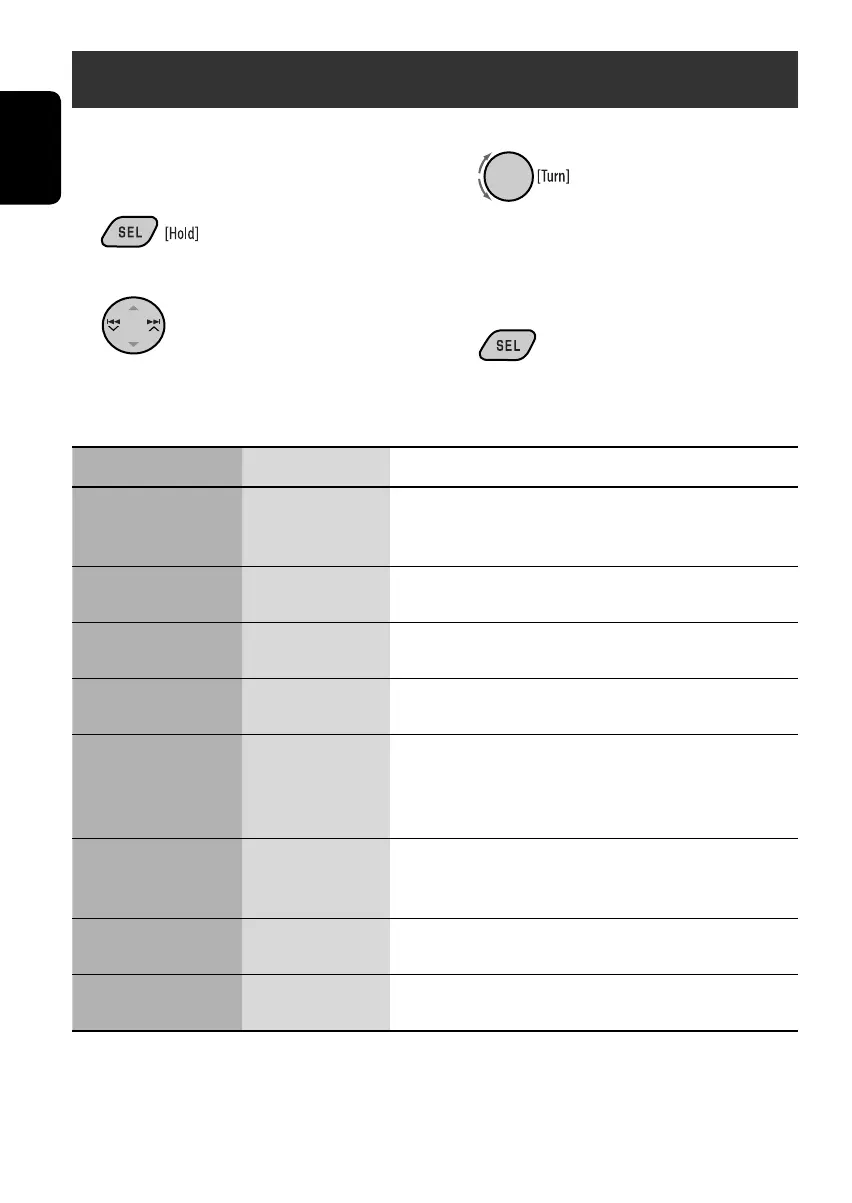
3 Select or adjust the selected PSM item.
4 Repeat steps 2 and 3 to adjust other
PSM items if necessary.
5 Finish the procedure.
You can change PSM (Preferred Setting Mode)
items listed in the table that follows.
1 Enter the PSM settings.
2 Select a PSM item.
General settings — PSM
Indication Item Setting, [reference page]
DEMO
Display demonstration
• DEMO ON [Initial]
• DEMO OFF
: Display demonstration will be activated automatically if no
operation is done for about 20 seconds, [5].
: Cancels.
CLOCK H
Hour adjustment
1 – 12
[Initial: 1 (1:00)]
: See also page 5 for setting.
CLOCK M
Minute adjustment
00 – 59
[Initial: 00 (1:00)]
: See also page 5 for setting.
DIMMER • ON
• OFF [Initial]
: Dims the display illumination.
: Cancels.
SCROLL*
1
• ONCE [Initial]
• AUTO
• OFF
: Scrolls the track information once.
: Repeats scrolling (5-second intervals).
: Cancels. (Holding DISP can scroll the display regardless of the
setting.)
EXT IN*
2
External input
• CHANGER [Initial]
• EXT IN
: To use a JVC CD changer, [16], or an Apple iPod/a JVC
D. player, [17].
: To use any other external component than the above, [18].
TAG DISP
Tag display
• TAG ON [Initial]
• TAG OFF
: Shows the tag while playing MP3/WMA tracks.
: Cancels.
NTSC/PAL
Video format
• PAL [Initial]
• NTSC
: Select this if your monitor is of the PAL color system.
: Select this if your monitor is of the NTSC color system.
*
1
Some characters or symbols will not be shown correctly (or will be blanked) on the display.
*
2
Displayed only when one of the following sources is selected—FM, AM, or DISC.
EN20-25_KD-DV4206_001A_3.indd 20EN20-25_KD-DV4206_001A_3.indd 20 12/10/05 2:17:47 PM12/10/05 2:17:47 PM



 To Next Page