25SETTINGS
Menu operations
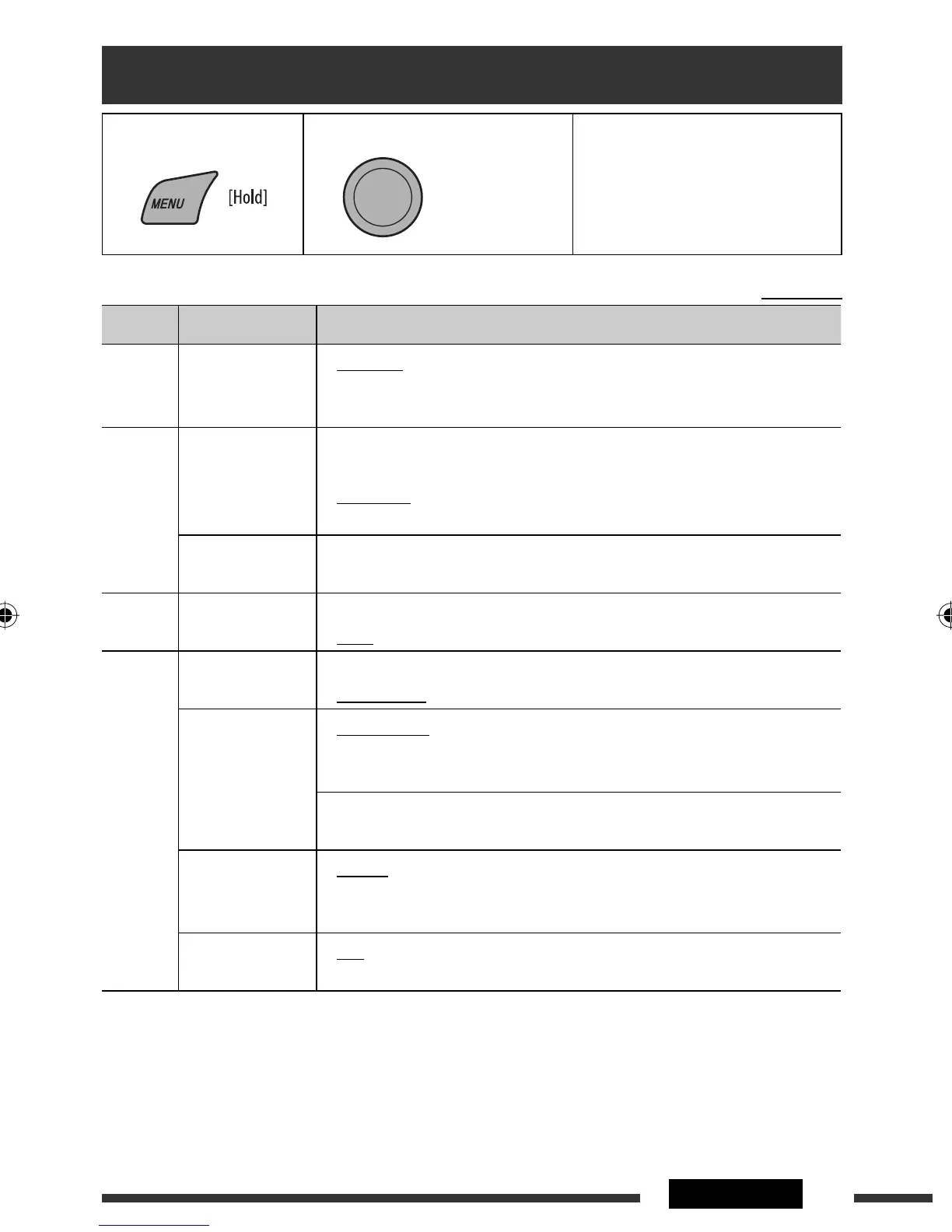
1 Call up the menu. 2 Select the desired item. 3 Repeat step 2 if necessary.
• To return to the previous menu,
press BACK.
• To exit from the menu, press
DISP or MENU.
Initial: Underlined
Category Menu item Selectable setting, [reference page]
DEMO
DEMO
Display
demonstration
• DEMO ON
• DEMO OFF
: Display demonstration will be activated automatically if no
operation is done for about 20 seconds, [9].
: Cancels.
CLOCK
CLOCK DISP *
1
Clock display
• CLOCK ON
• CLOCK OFF
: Clock time is shown on the display at all times when the
power is turned off.
: Cancels; pressing DISP will show the clock time for about
5 seconds when the power is turned off.
CLOCK SET
Clock setting
: Adjust the hour, then the minute, [9].
(Initial: 1:00)
EQ
EQ
Equalizer
: Select a preset sound mode suitable to the music genre.
USER, ROCK, CLASSIC, POPS, HIP HOP, JAZZ
DISPLAY
DIMMER
Dimmer
• DIMMER ON
• DIMMER OFF
: Dims the display and button illumination.
: Cancels.
SCROLL *
2
Scroll
• SCROLL ONCE
• SCROLL AUTO
• SCROLL OFF
: Scrolls the displayed information once.
: Repeats scrolling (at 5-second intervals).
: Cancels.
Pressing DISP for more than one second can scroll the display regardless of the
setting.
TAG DISPLAY
Tag display
• TAG ON
• TAG OFF
: Shows the Tag information while playing MP3/WMA/WAV
tracks.
: Cancels.
VIDEO *
3
Video format
• PAL
• NTSC
: Select this if your monitor is of the PAL color system.
: Select this if your monitor is of the NTSC color system.
*
1
If the power supply is not interrupted by turning off the ignition key of your car, it is recommended to select
“CLOCK OFF” to save the car’s battery.
*
2
Some characters or symbols will not be shown correctly (or will be blanked) on the display.
*
3
The newly selected video format takes effect only after you turn on the power again or change the source.
[Turn] = [Press]
Continued on the next page
EN24-31_DV4506_001A_f.indd 25EN24-31_DV4506_001A_f.indd 25 12/5/08 2:26:45 PM12/5/08 2:26:45 PM



 To Next Page