(No.MA150)1-25
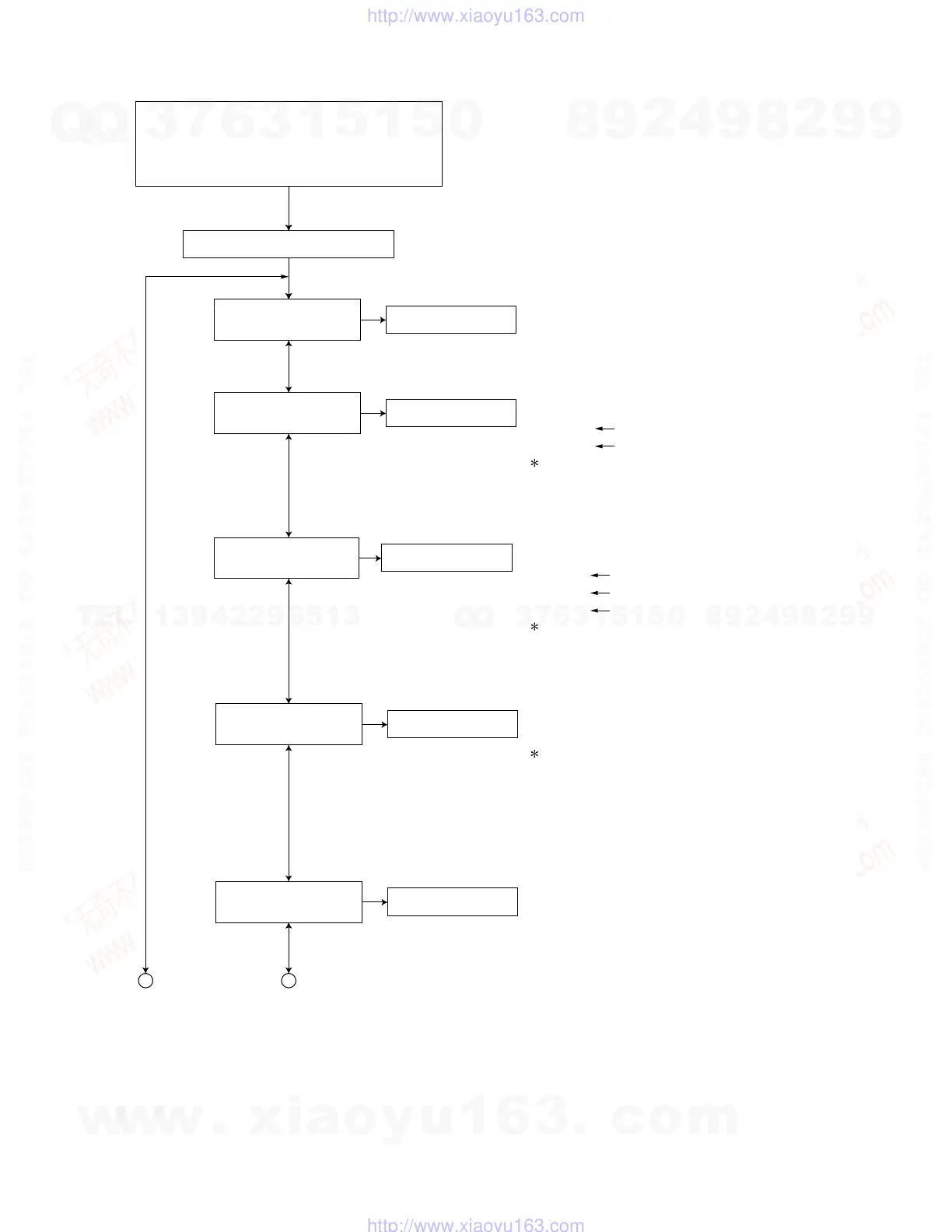
4.5.3 Operation procedures
Keep this state more than 2 seconds while
continuing pressing the [SEL] button,
[STANDBY/ON ATTENUATOR] button and
[SOURCE] button sequentially.
Press the [SEL] key
"VERSION" is
indicated on the LCD.
************
************
System control microcomputer version
DVD version
A B
The unit enters the service mode.
Microcomputer version display
Press the [SEL] key
"INIT ALL" is
indicated on the LCD.
Initialize all data to the factory setting
: The system control EEPROM is initialized entirely.
Press the [SEL] key
"AREA/RGN" is
indicated on the LCD.
************
************
************
System control destination
DVD unit destination
DVD unit region
Destination area/region display
Press the [SEL] key
"VIDEO" is
indicated on the LCD.
Setting of NTSC or PAL
"NTSC" or "PAL" are indicated on the LCD.
Exchanging it operate each indication with the
[DISC UP] button and [DISC DOWN] button.
Press the [SEL] key
"CLR ERR" is
indicated on the LCD.
Clear loading/ejection error history
: The error history stored in the EEPROM is cleared.
Exchanging it operate each indication with the
[DISC UP] button and [DISC DOWN] button.
Exchanging it operate each indication with the
[DISC UP] button and [DISC DOWN] button.
Note:
There is the model that is not equipped with
this mode by a version.
w
w
w
.
x
i
a
o
y
u
1
6
3
.
c
o
m
Q
Q
3
7
6
3
1
5
1
5
0
9
9
2
8
9
4
2
9
8
T
E
L
1
3
9
4
2
2
9
6
5
1
3
9
9
2
8
9
4
2
9
8
0
5
1
5
1
3
6
7
3
Q
Q
TEL 13942296513 QQ 376315150 892498299
TEL 13942296513 QQ 376315150 892498299
http://www.xiaoyu163.com
http://www.xiaoyu163.com


 To Next Page
 Loading...








