17
ENGLISH
General settings — PSM
Basic procedure
You can change PSM (Preferred Setting Mode)
items listed (except for SID) in the table that
follows.
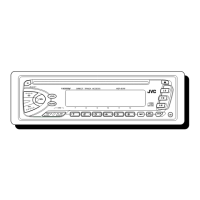
1
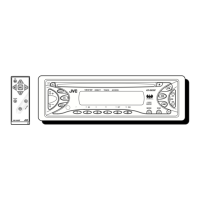
2
Select a PSM item.
Ex.: When you select “DIMMER”
3 Adjust the PSM item selected.
4 Repeat steps 2 and 3 to adjust the
other PSM items if necessary.
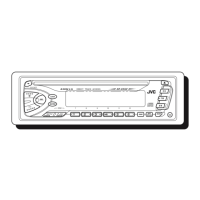
5 Finish the procedure.
To be continued....
Indications Selectable settings, [reference page]
DEMO
Display demonstration
DEMO ON : [Initial]; Display demonstration will be activated
automatically if no operation is done for about
20 seconds, [8].
DEMO OFF : Cancels.
CLOCK H
Hour adjustment
1 – 12, [8]
[Initial: 1 (1:00)]
CLOCK M
Minute adjustment
00 – 59, [8]
[Initial: 00 (1:00)]
EN12-17_KD-S52[J]f.indd 17EN12-17_KD-S52[J]f.indd 17 7/15/05 12:29:38 PM7/15/05 12:29:38 PM



 To Next Page