21
ENGLISH
~ For selecting the external
component connected to....
• AUX input jack
• CD changer jack on the rear
using KS-U57
If “EXT IN” does not appear, see
page 19 and select the external input
(“EXT IN”).
• CD changer jack on the rear
using iPod, KS-PD100 or
D. player, KS-PD500
Ÿ Turn on the connected component
and start playing the source.
! Adjust the volume.
⁄ Adjust the sound as you want.
(See page 16.)
External component operations
Playing an external component
This unit is ready for any Apple iPod
®
or
JVC D. player control interface.
• For details, refer also to the manual
supplied with the interface adapter for
iPod
®
—KS-PD100 or D. player—
KS-PD500.
You can connect an external component to...
• CD changer jack on the rear using:
– Line Input Adapter—KS-U57 (not
supplied) for any other components (except
iPod or D. player).
– Interface adapter for iPod
®
—KS-PD100
(not supplied) for controlling iPod.
– D. player interface adapter—KS-PD500
(not supplied) for controlling D. player.
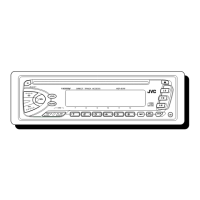
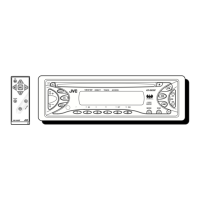
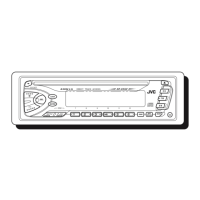
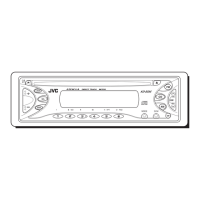
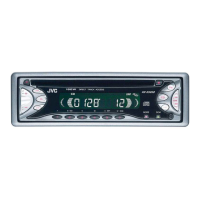
• AUX (auxiliary) input jack on the control
panel.
For connection, see Installation/Connection
Manual (separate volume).
EN18-23_KD-S52[J]f.indd 21EN18-23_KD-S52[J]f.indd 21 7/15/05 12:30:46 PM7/15/05 12:30:46 PM



 To Next Page