11
KV-M65 (EN)
TQBX0223[J]
ENGLISH
ESPAÑOLFRANÇAIS
Adjusting the volume output level of the AV output terminal
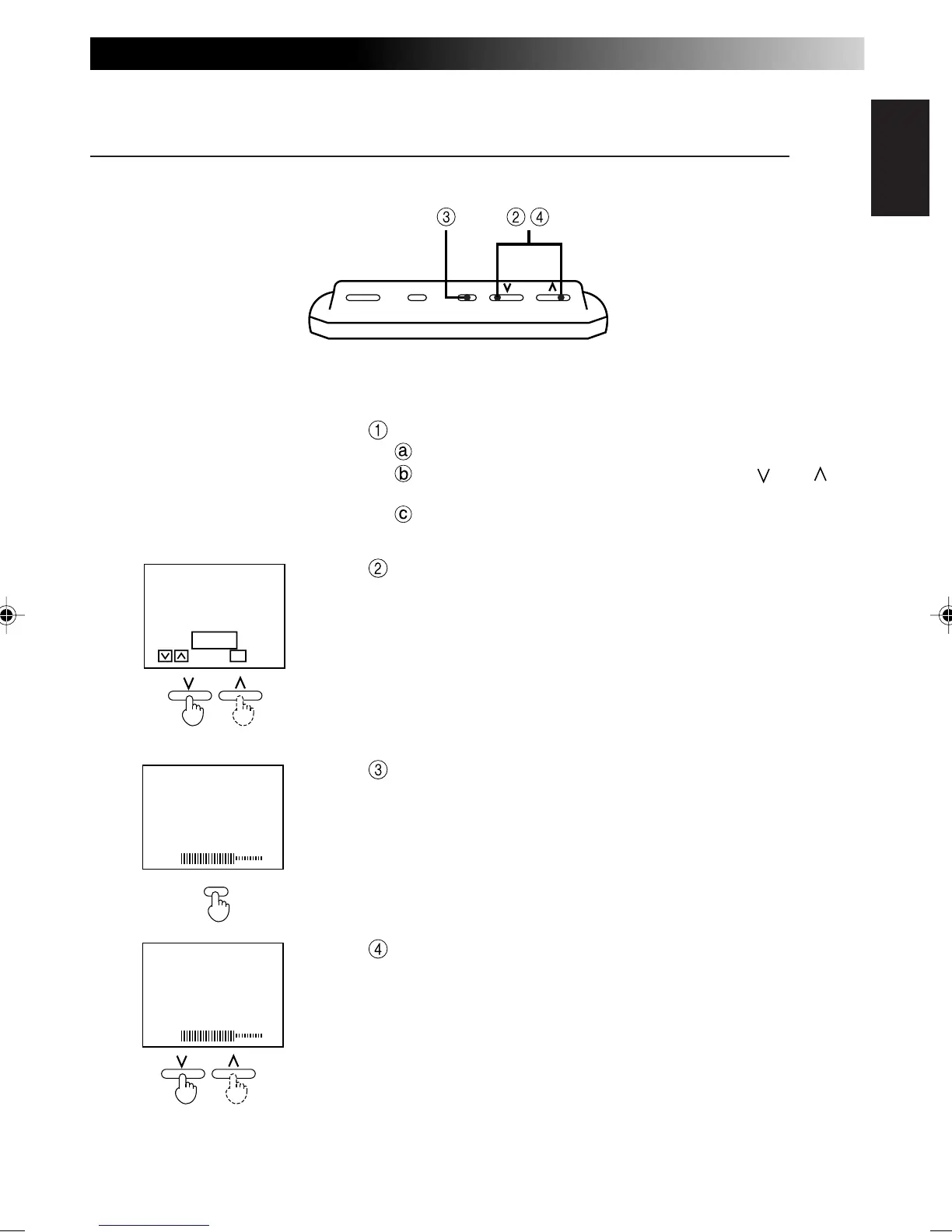
Perform steps 1 to 3 on page 9.
Press the MODE button for 2 seconds or longer.
Select the SPEAKER MODE setting using the [ ] and [ ] but-
tons.
Press the MENU button.
Select MUTE.
After the SPEAKER MODE setting screen disappears (oc-
curs after about 10 seconds), press the MENU button for
less than 2 seconds and show the volume level display.
Adjust the volume output level of the AV output terminal.
Note
• When the SPEAKER MODE setting is on STANDARD:
The output level is fixed to the maximum of 60 and cannot be
adjusted. (See page 10 for more details.)
[ SPEAKER
M
ODE ]
STANDARD
NAVIGATION
M
UTE
ENTERSELECT
M
ENU
SOUND LEVEL
40
SOUND LEVEL
40
MENU
POWER MODE MENUPOWER MODE MENU



 To Next Page