EasyManua.ls Logo

JVC KW-XG506S - User Manual

JVC KW-XG506S
50 pages
Print Icon
To Next Page IconTo Next Page
Loading...
ENGLISH
INDONESIA
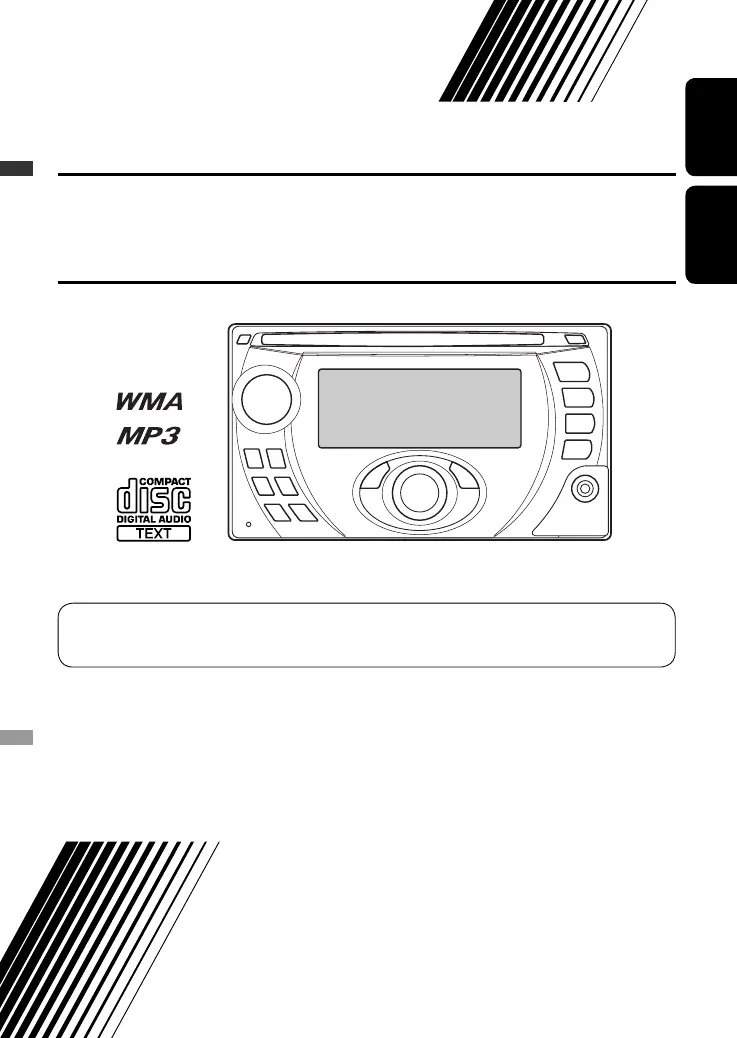
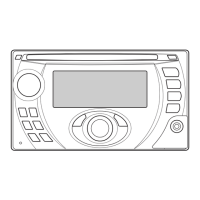
CD RECEIVER KW-XG506S
ALAT PENERIMA CD KW-XG506S
For canceling the display demonstration, see page 4.
Untuk membatalkan tampilan demonstrasi, lihat halaman 4.
INSTRUCTIONS
BUKU PETUNJUK
GET0539-001A
[UN]
Cover_XG506S_001A_1.indd 1Cover_XG506S_001A_1.indd 1 8/22/07 12:53:08 PM8/22/07 12:53:08 PM

Questions and Answers

  • M
    Makayla WoodsAug 3, 2025
    How to fix JVC KW-XG506S Car Receiver when no sound from speakers?
    • C
      Curtis PruittAug 3, 2025
      If you can't hear any sound from the speakers connected to your JVC Car Receiver, first, make sure the volume is at an audible level. If the sound is still not present, check the cords and connections to ensure they are properly connected.
  • R
    Robin MillerAug 8, 2025
    What to do if disc can't be played or ejected from JVC Car Receiver?
    • L
      Lindsay SchwartzAug 9, 2025
      If the disc can neither be played back nor ejected from your JVC Car Receiver, you can try to unlock the disc, or eject the disc forcibly.
  • S
    Sarah StrongAug 14, 2025
    Why is disc sound interrupted on my JVC KW-XG506S?
    • S
      Sharon BassAug 14, 2025
      If the sound from the disc is sometimes interrupted on your JVC Car Receiver, stop playback while driving on rough roads. Alternatively, change the disc or check the cords and connections.
  • P
    Phillip WangAug 20, 2025
    What to do if iPod controls don't work after disconnecting from JVC Car Receiver?
    • E
      Eric WarrenAug 21, 2025
      If the iPod’s controls do not work after disconnecting from your JVC Car Receiver, reset the iPod.
  • D
    Daniel GallagherAug 27, 2025
    What to do if playback stops on JVC Car Receiver?
    • J
      Jade JohnsonAug 27, 2025
      Restart the playback operation on your JVC Car Receiver.

Summary

Laser Product Safety

Laser Product Warnings

Important safety information regarding laser products and operation, including viewing restrictions.

Operational Safety Guidelines

Advice on safe usage, including volume levels and stopping the car for operations.

Introductions and Preparation

Manual Overview

Introduction to the manual's structure and content.

Unit Preparation Steps

Guide to cancel display demonstration and set the clock.

Operations

Basic Operations and Control Panel

Explanation of fundamental controls, buttons, and functions.

Listening to the Radio

Instructions for tuning, band selection, and automatic station presetting.

Disc Operations

Procedures for inserting, playing, and managing discs.

Disc Ejection Procedures

How to stop playback, eject, and prohibit disc ejection.

External Devices

CD Changer Connection and Use

Connecting and operating a compatible CD changer.

iPod Connection and Control

Connecting and controlling an iPod through the unit.

Other External Component Input

Connecting and using other audio sources via AUX input.

Settings and Customization

Preset Sound Mode Selection

Choosing from various equalizer presets for different music genres.

Adjusting Sound Settings

Fine-tuning bass, treble, balance, and loudness settings.

General Settings - PSM

Configuring preferred sound modes and other system preferences.

Title Assignment for Stations

Creating custom names for radio stations.

Maintenance and Troubleshooting

Unit Maintenance and Care

Care instructions for the unit, including handling moisture and discs.

Unit Information and Disc Playback

Details on unit features, CD-R/CD-RW playback.

MP3;WMA Disc Playback

Details on compatibility, file formats, and playback of MP3 and WMA discs.

Troubleshooting Common Issues

Solutions for common problems and issues encountered with the unit.

Title Assignment and PSM Troubleshooting

Solving problems related to assigning titles and PSM settings.

JVC KW-XG506S Specifications

General IconGeneral
Display TypeLCD
Preamp Voltage2.5 Volts
BluetoothYes
USB PortYes
AUX InputYes
Radio TunerAM/FM
Pandora ControlYes
Spotify ControlYes
SiriusXMReady
Remote ControlYes
Max Power Output50 Watts x 4
RMS Power Output22 Watts x 4
Audio Formats SupportedMP3, WMA, AAC
Preamp Outputs3
Equalizer13-band
Crossover SettingsHPF/LPF
Steering Wheel ControlYes, Ready (Adapter Required)

Related product manuals