EasyManua.ls Logo

JVC RM-LP25U - User Manual

JVC RM-LP25U
28 pages
Print Icon
To Next Page IconTo Next Page
Loading...
Thank you for purchasing this JVC product.
Before beginning to operate this unit,please read
the instructions
carefully to ensure the best possible performance.
For Customer Use:
Enter below the Serial No. which is located on the
body.
Retain this information for future reference.
Model No.
Serial No.
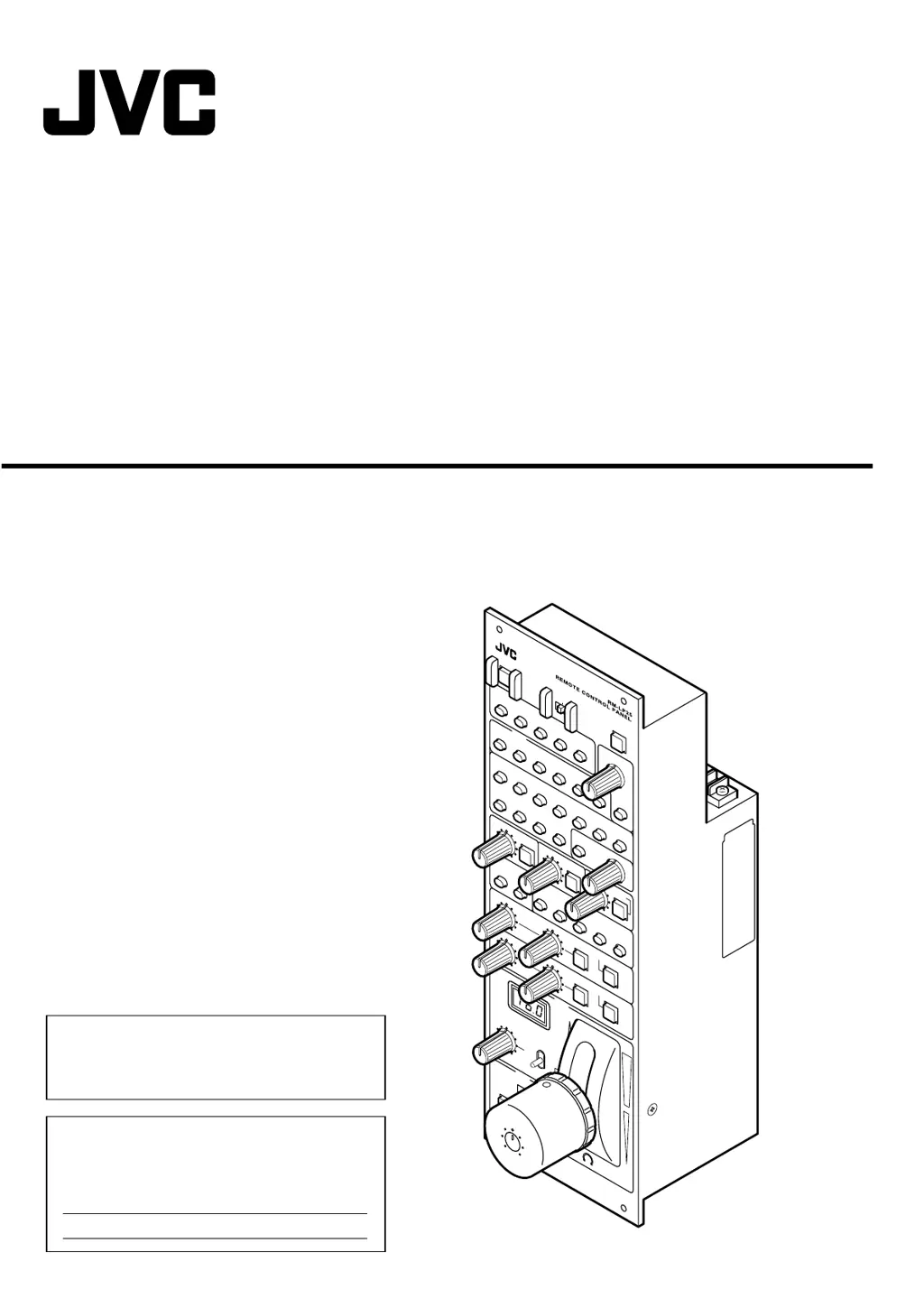
REMOTE CONTROL PANEL
RM-LP25U
INSTRUCTIONS
LST0594-001A
LE
V
IR
AU
T
IRIS
-3
dB
-
6
dB
AL
C
LOLU
X
VARI
ABLE
LEVEL
LEVEL
LEVEL
G
AMMA
DET
AI
L
KN
EE
P
O
INT
AUT
O
K
NEE
BLACK
C
O
M
P
R
E
S
S
S
T
R
ET
C
H
W
H
IT
E
BAL
A
N
C
E
MO
DE
W
HIT
E
PA
INT
R
R
BL
A
C
K
P
AIN
T
B
B
PAI
N
T
PAIN
T
AU
T
O
W
HIT
E
AU
TO
B
L
AC
K
AUTO
OVER
OP
E
N
U
N
D
ER
C
LO
SE
MAS
TE
R
BLACK
TALLY
CALL
P
R
E
V
IE
W
1
OPERA
TE
BAR
S
L
OCK
P
A
R
T
OF
F F
U
LL
SCENE
FI
L
E
2
3
5
4
S
PEED
PART
SHUT
TER
N
ORMAL
1/ 10
0
1/ 12
0
1/
250
1/500
1
/1000 1/
2000
GA
I
N
18d
B
0
dB
3d B
6dB
9dB
12dB
15d
B
M
ANUAL
PR
ES ET
FAW
AW
A
AW
B
P
A
RT
PRE
SET
L
E
VE
L
I
RIS MODE
FUL
L
PRE
S
ET
F
U
LL
VA
RIAB
LE

Questions and Answers

JVC RM-LP25U Specifications

General IconGeneral
ConnectivityWired
CompatibilityJVC PTZ Cameras
Infrared RangeNot applicable
TypeRemote Control Panel
Power SourceDC 12V