Preliminary knowledge
4
Preliminary
Knowledge
XV-521BK/XV-523GD [B] EN
LVT0435-002A
English
Français
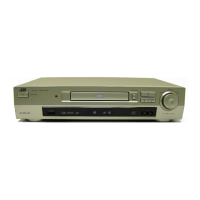
Names of parts and controls
Refer to the corresponding pages indicated in () for details.
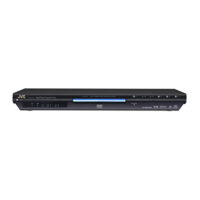
Front panel
Preliminary knowledge
1 button (17)
Turns the unit on or off (standby).
2 STANDBY indicator
Lights when the power cord is connected and the unit is
on standby. When the unit is turned on, the STANDBY
indicator goes off.
3 Remote sensor
Receives the signal from the remote control unit.
4 Disc tray (17)
Used to load a disc.
5 0 (OPEN/CLOSE) button (17)
Used to open and close the disc tray.
6 7 (STOP) button (18)
Stops playback.
Also used to erase all programmed tracks for the program
play.
7 # (PLAY) button (18)
Starts playback. Also, used as a SELECT button for the PBC
of Video CDs.
8 8 (PAUSE) button (18)
Pauses playback.
9 3D PHONIC button (32)
Produces a simulated surround effect.
0 Display window
Indicates the current status of the unit.
- 4/¢ (SKIP) buttons (19, 21)
Used to skip a chapter, title or track.
Also, used for the page selection of a menu screen (for
DVD VIDEO/Video CD).
Holding down 4 or ¢ during playback reverses or
advances playback rapidly.
= SHUTTLE knob (19, 25)
Performs rapid advance/reverse playback operations.
Also used for slow-motion playback of a picture (for DVD
VIDEO/Video CD).
DVD PLAYER
STANDBY
SHUTTLE
DVD
/
VDEO CD
/
CD
TITLE CHAP. RESUME
EACH
THEATER
DOLBY
D
I
G
I
T
A
L
1¡
4¢
7
8
#
0
3D PHONIC SKIP
OPEN/CLOSE
STOP PAUSE
PLAY
1 button
2 STANDBY indicator
9 3D PHONIC button
3 Remote sensor
0 Display window
7 # (PLAY) button
6 7 (STOP) button
8 8 (PAUSE) button
= SHUTTLE
knob
- 4/¢ (SKIP) buttons
5 0 (OPEN/CLOSE) button
4 Disc tray
Downloaded From Disc-Player.com JVC Manuals


 To Next Page
 Loading...