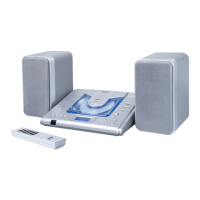
Mini Portable Stereo Audio System V10M10_IM_EN_04102007
www.jWIN.com
- 11 -
OPERATIONAL INSTRUCTIONS
Listening to the Radio
1. Slide the FUNCTION switch to the RADIO position.
2. Slide the BAND switch to the desired
waveband (AM, FM or FM ST.).
3. Turn the TUNING knob to the desired radio
station (appears on the LCD display).
4. Adjust the sound level using the VOLUME (+/-) control.
5. To turn off the radio, press the POWER button once. Until the LCD display goes off and
the STANDBY/MUTE LED indicator goes on.
FM Stereo Indicator
Slide the BAND switch to FM ST. When listening to an FM
station with strong reception, this function will allow it to
broadcast in stereo. When the FM signal is weak, slide the
switch to the FM position.
Bass Boost
To enhance the low frequency sound, slide the BASS
BOOST switch to the ON position. To release the
super bass, slide the BASS BOOST button to OFF.


 To Next Page