PC. Connect the controller to the Windows PC via a USB cable. The four LEDs
in the controller start to flash slowly, and then the controller driver is automatically
installed to the PC. The corresponding LED will flash slowly and the controller
can be used. Support for X-360 mode games. The X-360 driver is available
on the internet.
Note: With vibration function but without motion sensing function under X-360
mode wired connection.
LED indication description
1) Four LEDs blinking quickly and circularly: This controller is searching for wireless
devices to be paired; this controller is connecting back to console via wireless
code match.
2) LED(s) solid bright: This controller is connecting to console normally via wireless.
3) LED(s) blinking quickly: This controller battery voltage is lower than 3.6V; if the
voltage is lower than 3.4V, the controller will be shut off automatically and can’t
be powered on.
4) LED(s) blinking slowly: This controller is connecting to console via USB cable;
when this controller is being charged via connecting to a charger, four LEDs are
blinking slowly and simultaneously, the four LEDs will be off after fully charged.
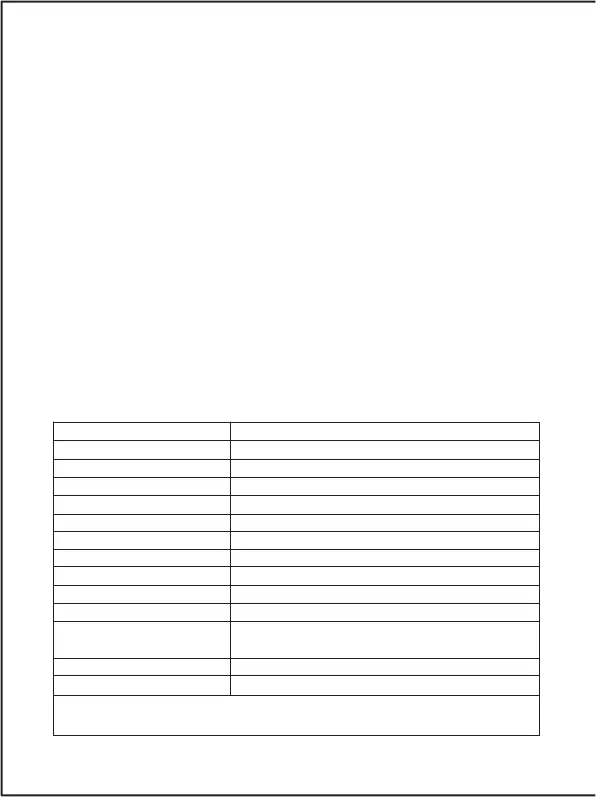
Controller parameter reference
USB input voltage/current
Around 10h (fully charged)
180g (280g including a charging cable and a
user guide)
A controller, a charging cable and a user guide
Remark: The above parameters are for references only, they are subject
to the actual product.
04



 To Next Page