PEACE LIBRARY SYSTEM
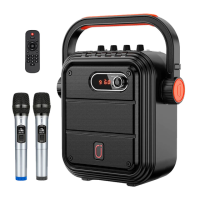
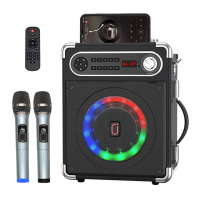
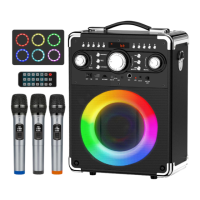
Karaoke Machine Kit Contents & Instructions
To play music from Smart TV (Youtube):
1. Plug In RCA Male to Male Audio Cable Cord into TV
a. Red to Red, White to White
2. Plug other end of cable cord into AUX-IN in machine
3. Any sound coming from TV will now port through the machine
To play music from Phone/Tablet/Laptop (Youtube):
1. Plug in 3.5mm Male to Male Audio Cable into headphone jack of
Phone/Tablet/Laptop
2. Plug other end of cable into AUX-IN in machine
3. Any sound coming from Phone/Tablet/Laptop will now port through machine


 To Next Page