3
Display Set Up
1. Backlight. Turn on the backlight by pressing Shift + Light Key .
(to turn off backlight repeat Shift + Light)
OR
2. Display. Press the Light
or Dark
Keys. Just continue to press
them until you nd a comfortable level.
$$ MONEY SAVING TIP: Turning off the backlight helps save battery life.
Graphic Preview Setup
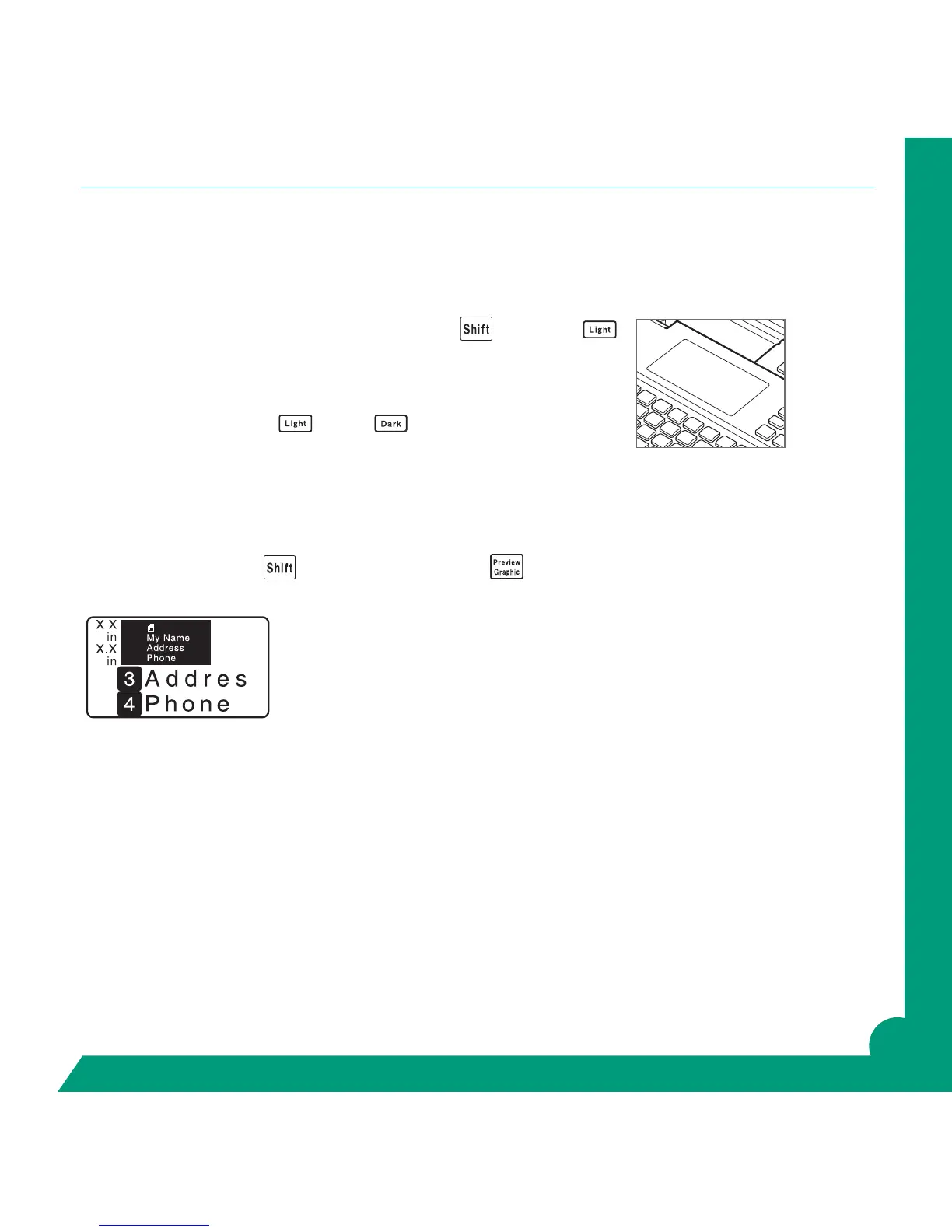
Press and hold the Shift with Preview Graphic Key . As you create your label you can watch in
screen. You can see length/image before printing.
$$ MONEY SAVING TIP: Before printing Press Graphic and watch your label “print to screen”.
You can review for content, layout, spelling errors before printing and wasting tape.



 To Next Page