5
Now let’s make a simple label.
(Your serial number for the back page of this book. -Consult your box for the serial number)
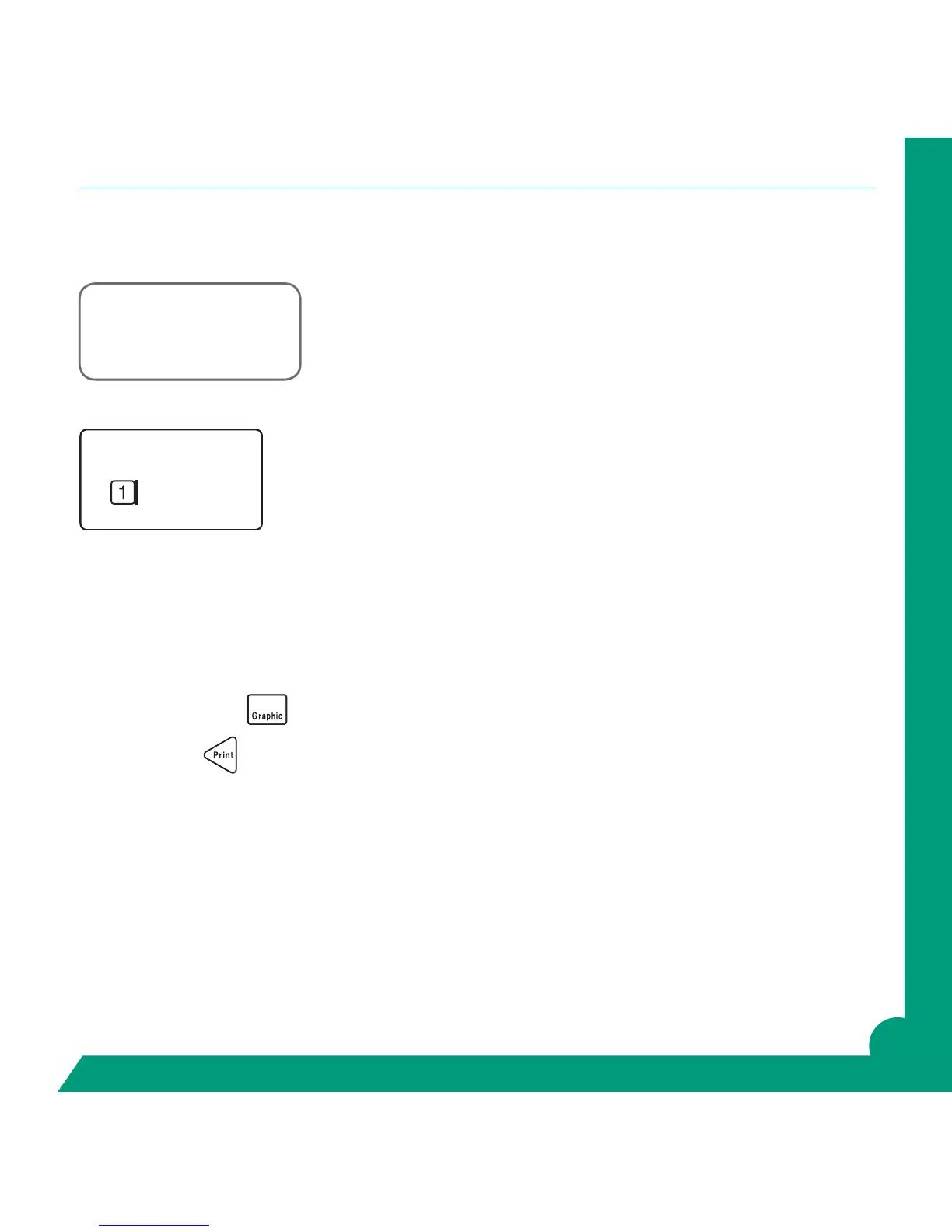
Your display should show 1 (for line 1) and a ashing cursor.
Enter the serial number. Return.
Your display should show 2 and a ashing cursor.
Enter today’s date. Do not return.
Press the Graphic Key
and review the spelling.
Now press Print.
If you have used a 3/8” or larger tape you can now professionally round the corners of the label using the
PeelGuard
®
trimmer. This is located on the right hand side of your printer.
2G0001293
09/10/2011



 To Next Page