EasyManua.ls Logo

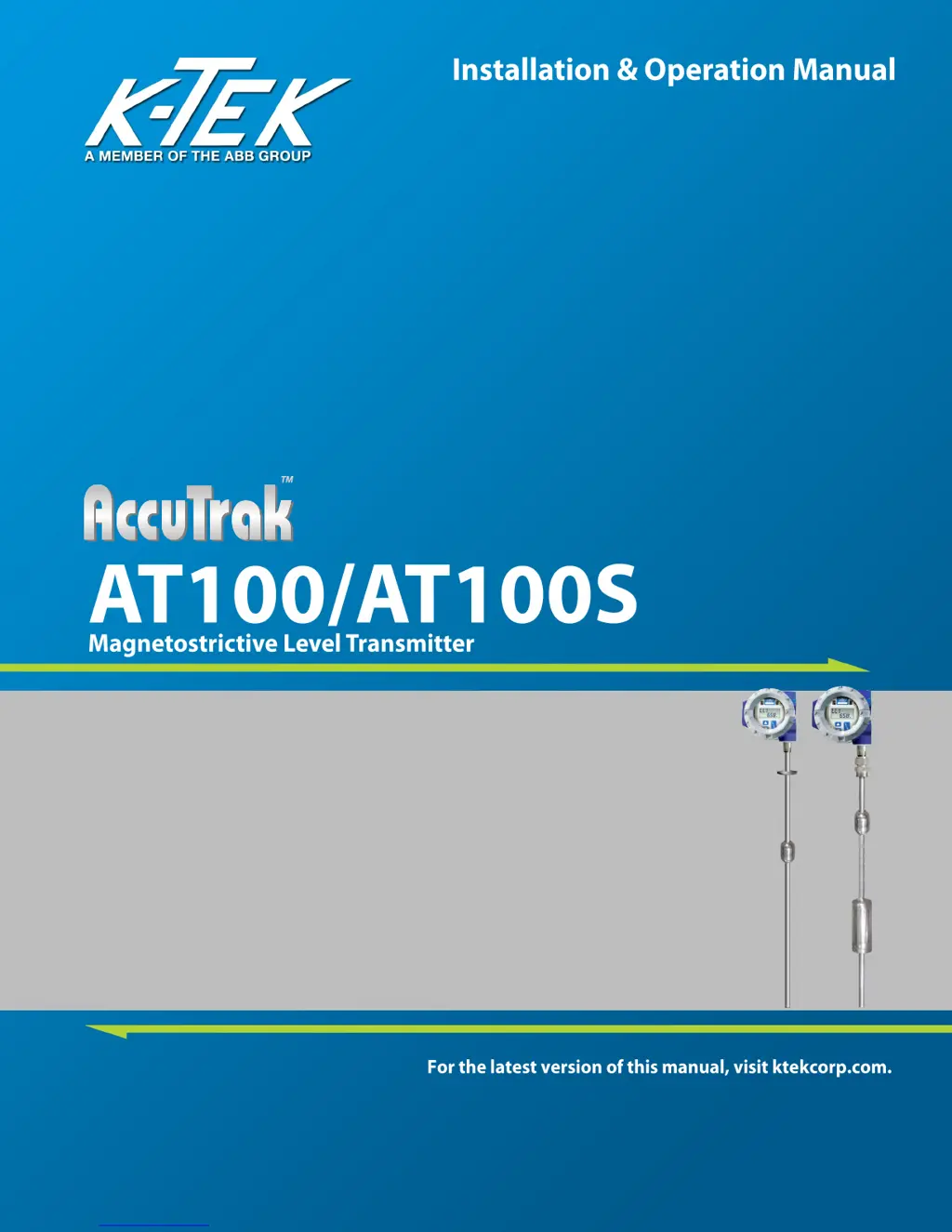
K-TEK AccuTrak AT100 - User Manual

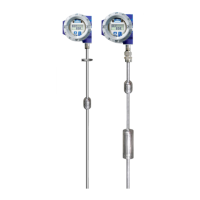
K-TEK AccuTrak AT100
41 pages
Print Icon
To Next Page IconTo Next Page
Loading...

Table of Contents

Questions and Answers

  • F
    fcampbellAug 13, 2025
    Why K-TEK AccuTrak AT100 does not communicate via HART?
    • O
      odomkarenAug 13, 2025
      The K-TEK Transmitter may fail to communicate via HART for several reasons: * The module might not be equipped with HART communications. Check if the model number of the transmitter or module is M3 or higher. * The transmitter could be in an alarm condition. Determine and correct the cause of the alarm before proceeding. * There might not be enough loop resistance for HART communication. Ensure at least 250 ohms of resistance exists in the loop wiring. * The electronics module might have failed. Replace the existing module with a known working one.
  • D
    Dawn HarmonAug 16, 2025
    What to do if LCD display not lit on K-TEK Transmitter?
    • T
      tiffanyrussellAug 16, 2025
      If the LCD display is not lit on your K-TEK Transmitter, there are a couple of potential causes: * There may be no power to the transmitter. Check the field wiring for proper polarity and supply voltage at the transmitter. * The electronics module may have failed. Replace the existing module with a known working module.
  • G
    Gerald BernardAug 19, 2025
    Why is K-TEK Transmitter output unstable?
    • K
      Karen CabreraAug 19, 2025
      An unstable output from the K-TEK Transmitter can stem from several factors: * The threshold voltage might be too high. Turn the threshold voltage adjustment counter-clockwise 1 full turn or follow the threshold adjustment procedure. * The threshold voltage might be too low. Turn the threshold voltage adjustment clockwise 1 full turn or follow the threshold adjustment procedure. * Rapid level changes can cause instability. Increase the damping. * A short span (less than 12” (600mm)) can lead to instability. Increase the damping.
  • B
    Brian MartinezAug 23, 2025
    What to do if K-TEK AccuTrak AT100 display shows **** Unit in alarm (20.97 or 3.61 mA)?
    • L
      lifrankAug 23, 2025
      If the K-TEK Transmitter display shows **** Unit in alarm (20.97 or 3.61 mA), it could be due to: * The threshold voltage being too high. Turn the threshold voltage adjustment counter-clockwise 1 full turn or follow the threshold adjustment procedure. * An electronics module failure. Replace the existing module with a known working module. * The float missing or damaged. Inspect the float for presence or damage; if damaged, contact the factory for replacement.
  • J
    James Green PhDAug 27, 2025
    How to resolve steady output with changing level on K-TEK Transmitter?
    • B
      Brian GarciaAug 27, 2025
      If you observe a steady output despite a changing level on your K-TEK Transmitter, consider these possibilities: * Residual magnetism on the probe. Swipe the sensor tube from top to bottom with a magnet. * Threshold voltage being too low. Turn the threshold voltage adjustment clockwise one full turn or follow the threshold adjustment procedure. * Float not moving. Inspect the float for damage.
  • C
    Christopher CurryAug 31, 2025
    What to do if K-TEK AccuTrak AT100 Transmitter output does not match display?
    • K
      Kristen JacobsAug 31, 2025
      If the K-TEK Transmitter output doesn't match the display, it may be due to: * DAC Trim issues. Perform the DAC Trim procedure. * Terminal Strip Failure. Check the terminal strip and replace if necessary.
  • L
    Logan TrujilloSep 4, 2025
    Why cannot change menu settings on K-TEK AccuTrak AT100 Transmitter?
    • M
      Megan SmithSep 4, 2025
      If you cannot change the menu settings on your K-TEK Transmitter, it might be because: * The write protect jumper is in the ON position. Move the write protect jumper to the upper position and cycle the power. * The electronics module has failed. Replace the existing module with a known working module.
  • K
    Kara WestSep 8, 2025
    Why K-TEK AccuTrak AT100 Transmitter shows incorrect temperature indication?
    • C
      Catherine ArmstrongSep 8, 2025
      If the K-TEK Transmitter shows an incorrect temperature indication, it could be due to: * Incorrect temperature calibration. Perform the TMP RSET and recalibrate the temperature sensor if necessary. * RTD failure. Remove the electronics module. Check for resistance between the yellow and red wires of the RTD.

Summary

1.0 INTRODUCTION

3.0 INSTALLATION AND BASIC WIRING

4.0 TRANSMITTER CALIBRATION AND SETUP

4.1 Level Output Calibration

Procedures for calibrating the 4mA and 20mA output points.

4.1.1 Calibration Using the Pushbuttons

Step-by-step guide for calibrating using module pushbuttons.

4.4 Calibration Using the LCD Setup Menu

Using LCD menu for calibration with UP, DOWN, SELECT buttons.

4.9.2 Temperature Output Calibration

Calibrating temperature output for custom ranges.

4.10 Volumetric Strapping

Configuring volumetric strapping tables for non-linear tank volumes.

4.10.7 Setting Current Output Based on Volume

Configuring the 4-20mA output based on volumetric measurements.

4.12 Custom Current Ranging

Customizing the 4-20mA output range for LRV and URV.

4.12.2 CCR Set Up

Step-by-step guide to setting up Custom Current Ranging.

5.0 COMMUNICATION OPTIONS

5.1 HART Protocol Interface Option

Using HART communicator for configuration and testing.

5.3 Foundation Fieldbus

Installing and configuring Foundation Fieldbus transmitters.

6.0 SAFETY, MAINTENANCE, AND TROUBLESHOOTING

6.3 Suggested Proof Test

Recommended tests to verify transmitter functionality and detect failures.

6.4.1 Float Inspection

Procedures for inspecting the float for integrity and movement.

6.4.3 Transmitter Testing

Testing transmitter indication and output with float movement.

6.4.4 Output Checkout

Verifying 4-20mA, HART, Fieldbus, and DE outputs.

6.4.4.1 4-20 mA Output

Checking the 4-20mA current output for proper response.

6.4.4.2 HART Output

Verifying HART communication output and PV indication.

6.4.4.3 4-20 mA Loop Check

Performing loop checks for 4-20mA output with or without HART.

6.5 4-20 mA, HART Transmitters

Troubleshooting common problems for 4-20mA and HART transmitters.

6.6 Foundation Fieldbus Transmitters

Troubleshooting setup and communication issues for Fieldbus.

6.7 Verify Proper Power-up of the Transmitter

Checking transmitter power-up sequence and current outputs.

6.8 Verify Current Output Stability

Troubleshooting output stability and potential noise issues.

6.9 Threshold Adjustment

Adjusting the threshold voltage for proper output.

8.0 WIRING DIAGRAMS

10.0 SIL Certificate

10.0 SIL Certificate (continued)

Continued SIL certificate details and failure rates.

11.0 EU DECLARATION OF CONFORMITY

K-TEK AccuTrak AT100 Specifications

General IconGeneral
BrandK-TEK
ModelAccuTrak AT100
CategoryTransmitter
LanguageEnglish

Related product manuals