17 18
Drone Calibration
Before every ight it is important to
calibrate your Drone.
Calibration ensures the Gyroscopes are
reset and the Drones Direction/Heading is
xed. Always calibrate with the Drone and
the Pilot facing the same direction.
Calibration
1. Place the Drone on level ground facing
the same direction as the pilot.
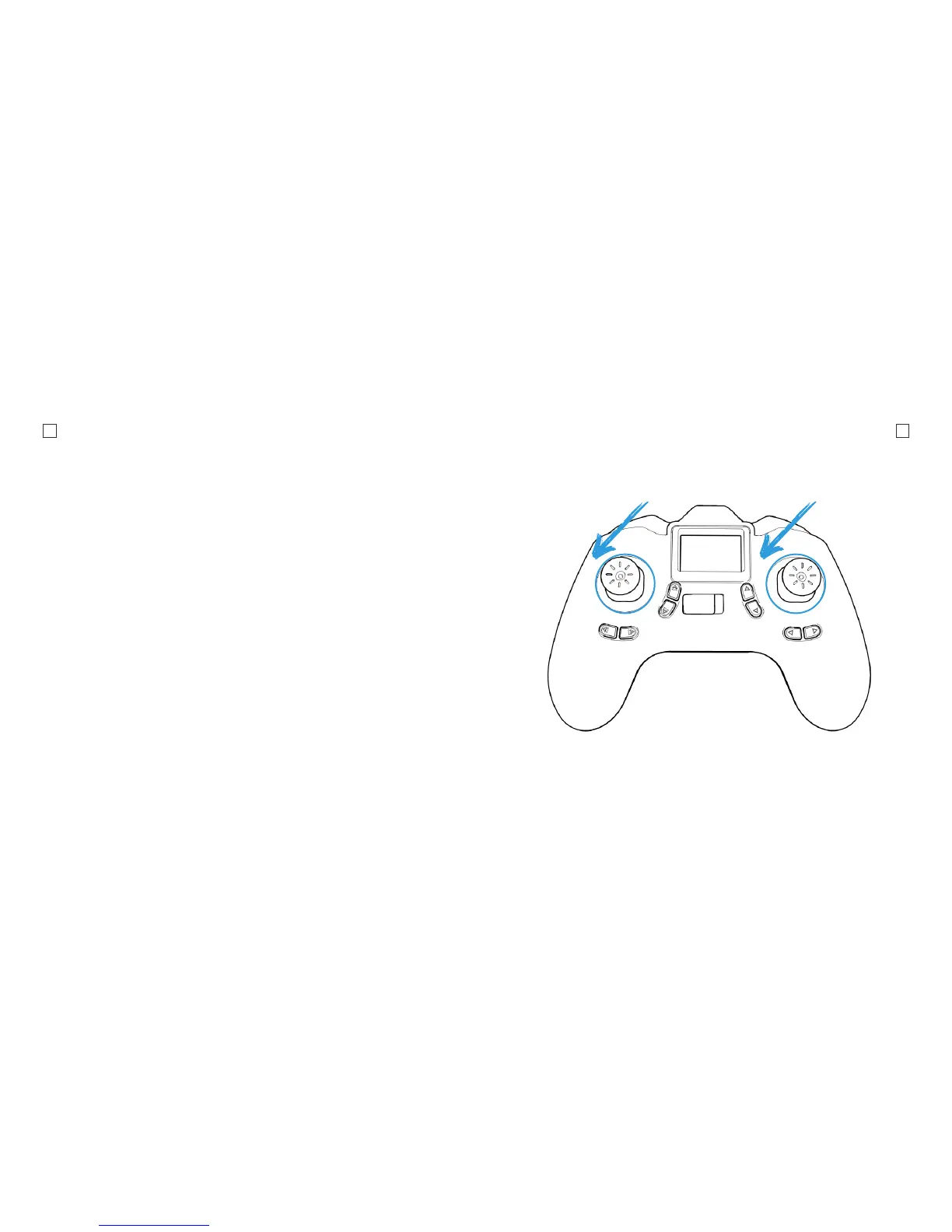
2. Push the Left Throttle/Yaw Stick and
the Right Pitch/Roll Stick to the bottom
left and hold for 2 seconds until you
see the LED indicator lights on the
drone start to ash rapidly.
3. Release the sticks and wait for the
drone LEDs to stop ashing.
4. The Drone LEDs will stop ashing
indicating that the calibration has been
completed.



 To Next Page