7 8
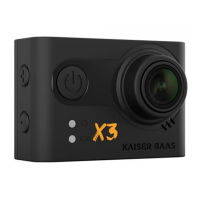
Set up your X3 Camera
WelcometoyournewKBActionCamera!
Beforeyougetshooting,pleasereview
the User Guide carefully to ensure you
get the maximum performance out of
your camera.
Battery Charging
We recommend that you fully charge
your camera before use.
Afullchargeisapproximately2.5hours
usinga5V0.5/1ACharger.
The charging indicator LED light on the
top of the camera will be RED when
chargingandwillbeowhenfully
charged.
For further important information about
thebattery,seetheBatteryGuide.
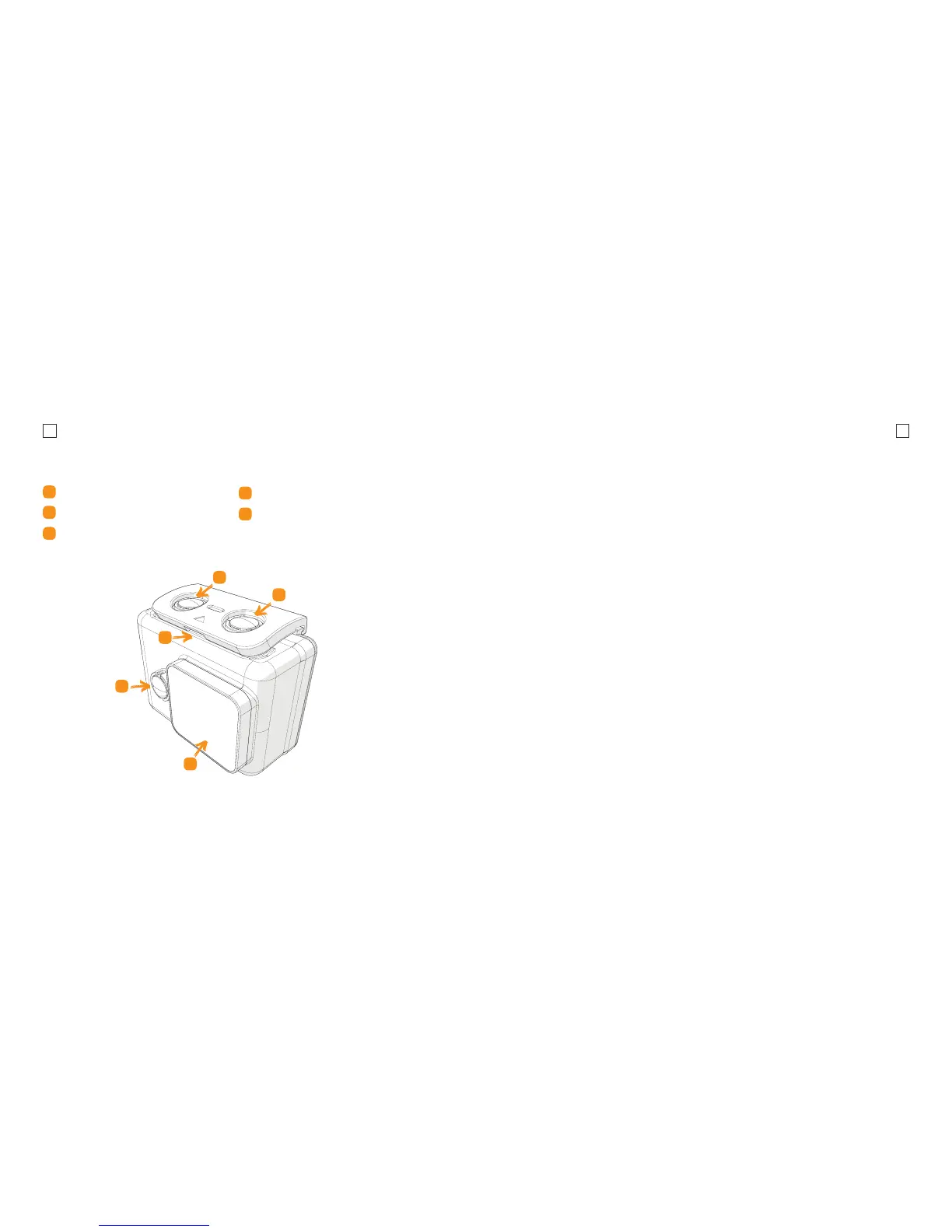
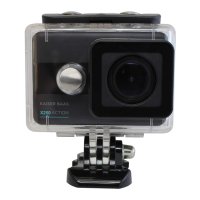
Product Diagram (Case)
CaseLatch
Power/Menu Button
REC/Conrm/Mode
Wi-Fi/Scroll
WaterproofCaseLens
A
B
B
D
C
C
D
E
E
MicroSD Card Compatibility
YourcamerarequiresaMicroSDCard
to record pictures and movies which
is not included.
Kaiser Baas recommends the use of a
brandnameClass10orhigherMicroSD
Card.Anycontentrecordinghigher
than1080P@60FPSwillrequireaClass
UHS-1orhighercard.
There is only one correct way to insert
the MicroSD card. Do not force the
card into the slot as it may damage
the camera and card.
Themaximumcardsizethatcanbe
usedwiththecamerais64gb.
Youcanndthelistofrecommended
MicroSDcardsforthiscameraat:
www.kaiserbaas.com/support
A


 To Next Page