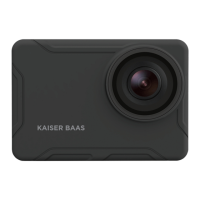
BATTERY GUIDE BATTERY GUIDE
01 - ENG 01 - ENG
Only use Kaiser Baas ocial batteries with this
product. To charge the camera:
1. Insert the battery into the camera
2. Connect the USB Charging Cable to the Mini
USB port located on the camera.
3. Connect the USB Charging Cable to a
computer or wall charger.
Warning: If using a wall charger, ensure that it is a
certied product for your region. AC Input: 100-
240VAC 50/60Hz. DC Output: 5VDC 0.5A/1A.
Only use a USB charger with suitable approval
and certication. If you do not know the output
voltage/current of the charger use a computer to
charge the battery. Do not charge in conditions
outside of the 10°C-45°C range.
4. The camera status LED will be RED whilst
charging. Once charging is complete the status
LED light will switch OFF.
5. A full charge cycle will take approximately
2.5 hours by 0.5A/1A charger.
Battery Tips
To maximise battery life:
● Turn o WiFi.
● Turn on the Screen O function.
● Capture at a lower Video Resolution and
frame rate. Higher resolutions and frame
rates impact battery performance.
● Avoid exposing the camera and battery to
very cold or hot temperatures. Cold or hot
temperatures may temporarily aect the
battery life and cause the camera to stop
working.
● Only ever charge the camera with a compliant
wall charger marked 5V/1A
Adhere to these guidelines to ensure maximum
performance and longevity.
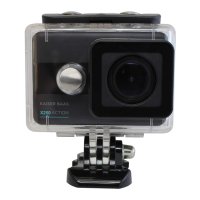
● Never use the camera in water without
the waterproof case. The camera is not
waterproof without the case.
● If camera has been used in salt water
ALWAYS rinse the waterproof case in fresh
water to prevent corrosion.
● Regularly check the seals for debris or dust
on the door of the waterproof case to prevent
water, sand and dirt ingress.
● Never handle the camera, battery or MicroSD
Card with wet hands or in wet conditions.
● Clean the camera lens and waterproof case
lens with a soft micro bre towel to reduce any
blurry footage due to grease/ngerprints.


 To Next Page