13
EN
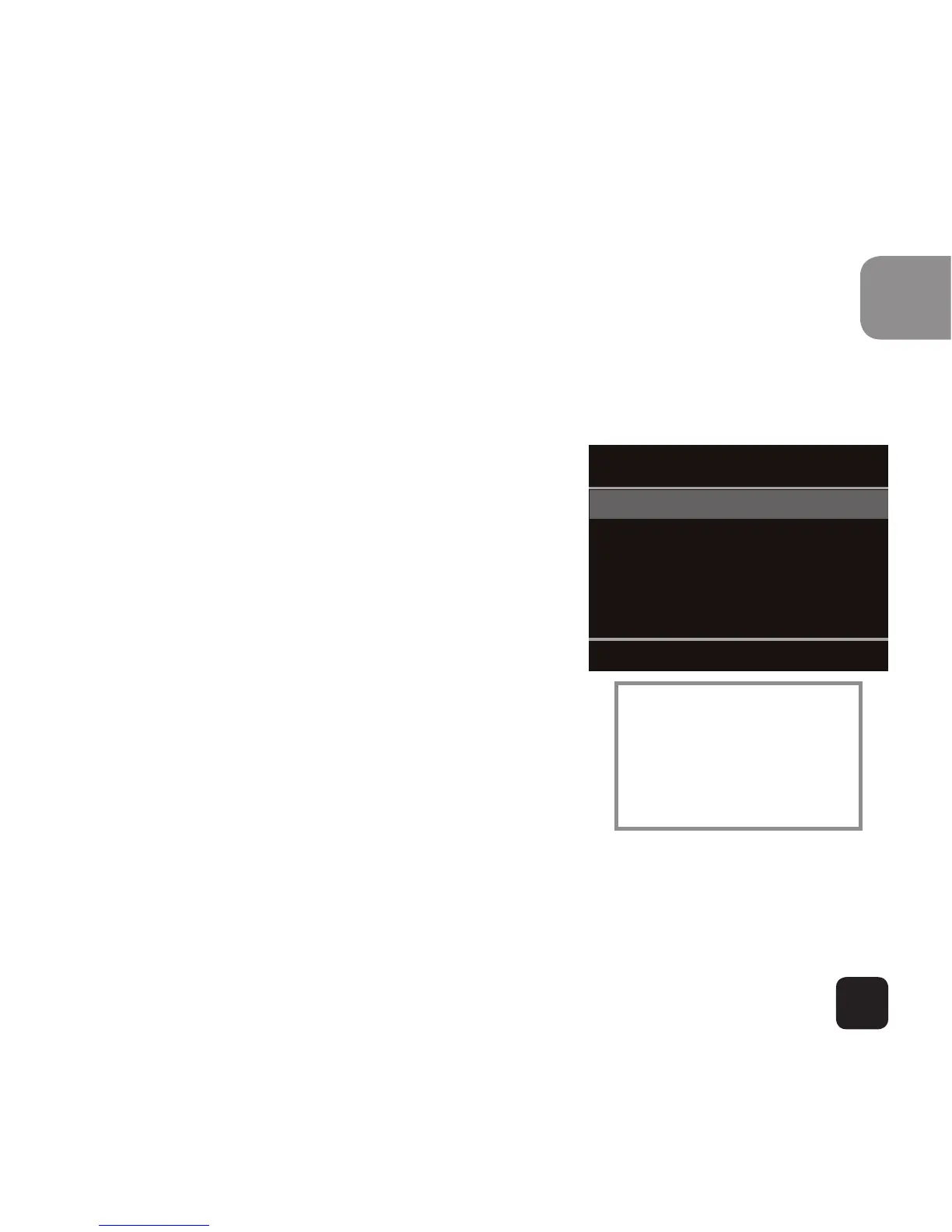
Video mode
Navigate menu to set Resolution, White Balance, Micro-
phone and Video Looping.
Notes:
• Resolution: 1080p @ 30fps,
720p @ 60fps and VGA @
120fps are supported
• White Balance: factory default
is Auto. If you switch Auto OFF,
remember to adjust when
lighting conditions change.
• Microphone: SELECT ON to
record audio, SELECT OFF for
video only.
• Video Looping: if OFF, the camera
will record files up to 20min long
before starting a new file. In this mode, the X80 will
continue to record this way until the memory is full.
If 2min or 5min are selected the camera will record
files either 2min or 5min long. The camera will re-
cord a series of consecutive files.
Resolution
White Balance
Microphone
Video Looping
Video Setup
Navigate: Powe



 To Next Page