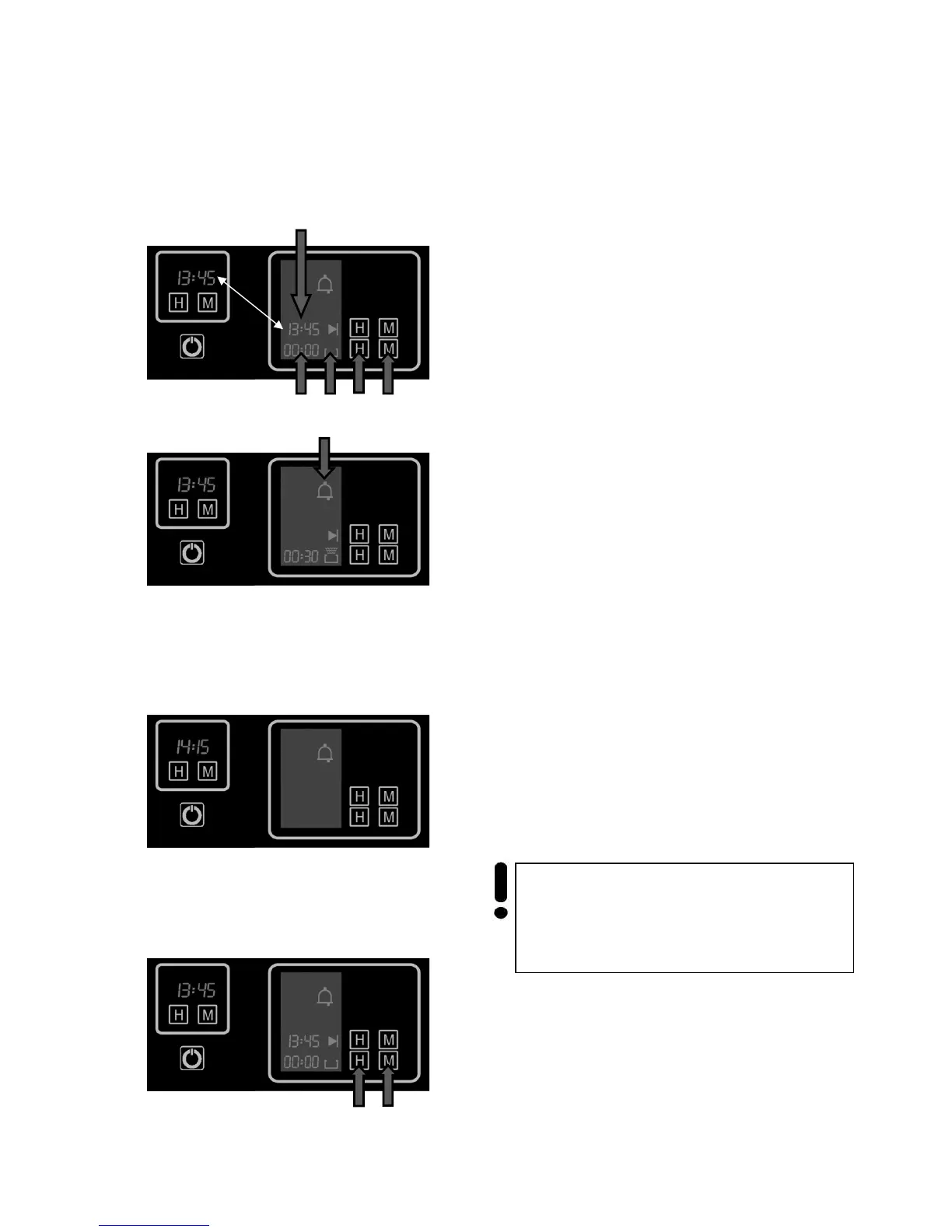
The process should switch off
wanted duration automatically.
Before setting the duration you have to set an
oven operating function and a
temperature (see chapter “Cooking”).
The symbol 1
appears on the display and shows
that the oven is on.
• Press the keys 2
preparation.
On the display appear the duration of preparation
3 and the actual time 4.
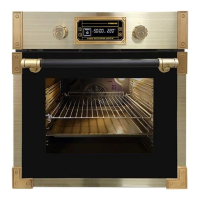
After a few seconds the countdown of the duration
starts. Symbol 5 appears on the display to confirm
the successful setting. The topical time
desappears.
• By using the choise keys 2 you can set the
wanted duration during the preparation.
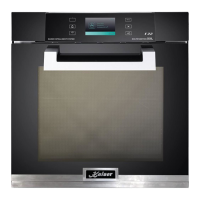
After the end of the opposed duration a beeping
sound and the symbol 5 flashes to inform you that
all preocesses in the oven are switched off.
Press any key to silence the buzzer.
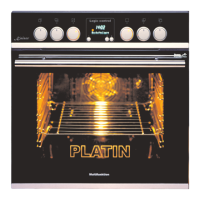
• To zero all the settings press both keys 2
simultaneously.
Important! If you select no other functions
within 8 seconds from silencing the buzzer,
the oven automatically switches off.
1



 To Next Page