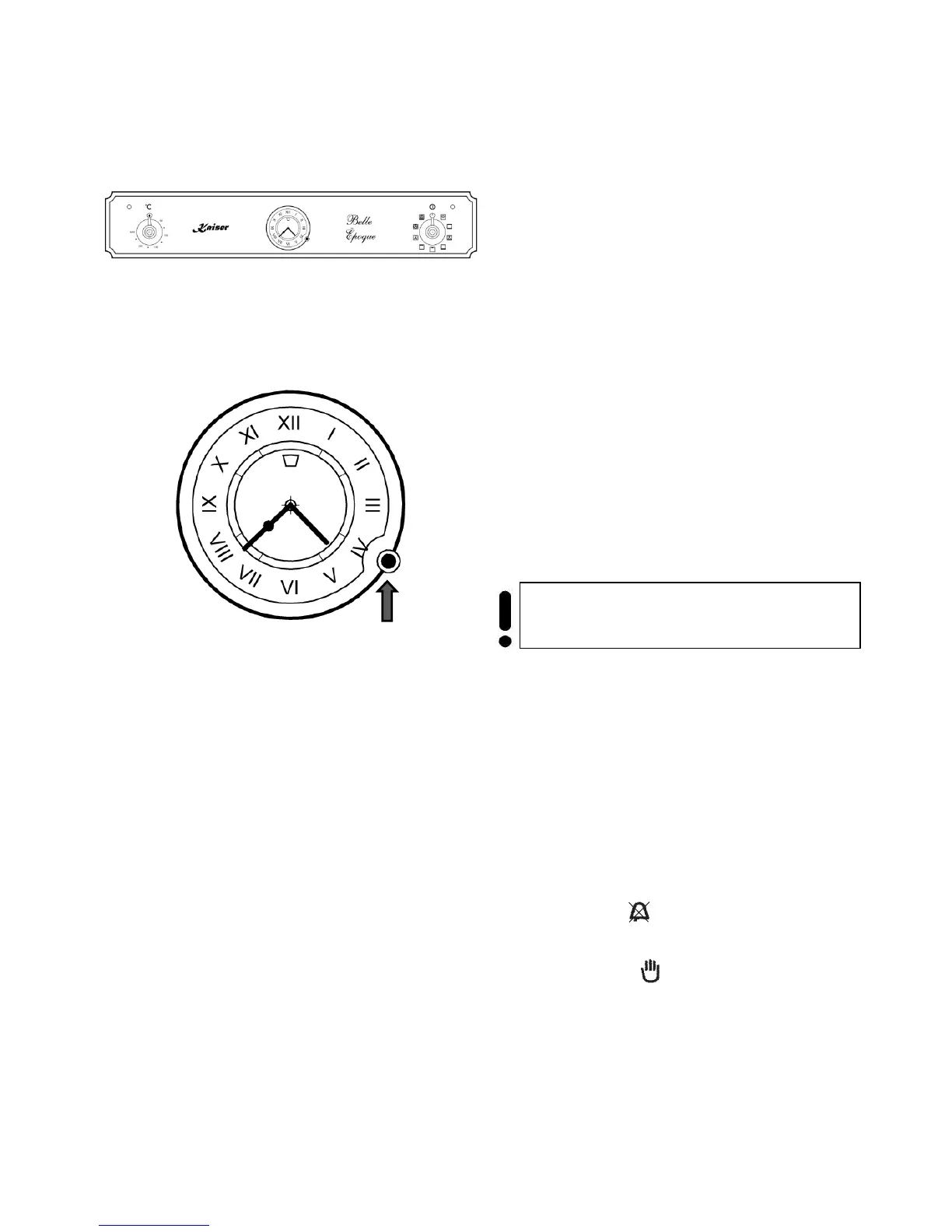
MECHANICAL TIMER OF THE OVENS Belle
Époque
Setting the clock
To set the current day time:
• Push the rotary switch 1 and turn it
counter clockwise.
Setting the end of cooking time
The oven must switch off after the set end time.
Before setting the end of cooking time you have to
set the oven operating function
temperature (see chapter «Multifunction oven
control»).
• Pull the rotary switch 1 out, turn it counter
clockwise and set the end of preparation.
After the set end time is reached
sound and the oven switches itself off.
• Set the oven operating function and
the temperature in the position 0.
To switch off the alarm tone:
• Turn the rotary switch 1 counter clockwise
to position .
For undefined time
of cooking, leave the knob in
Important! You should set a time which
differs from the current day time.



 To Next Page