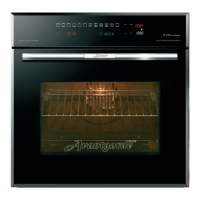
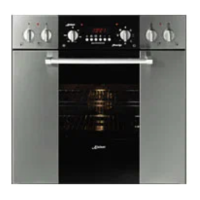
Touch control OF THE OVENS
Avantgarde
PLUS
and CHEF
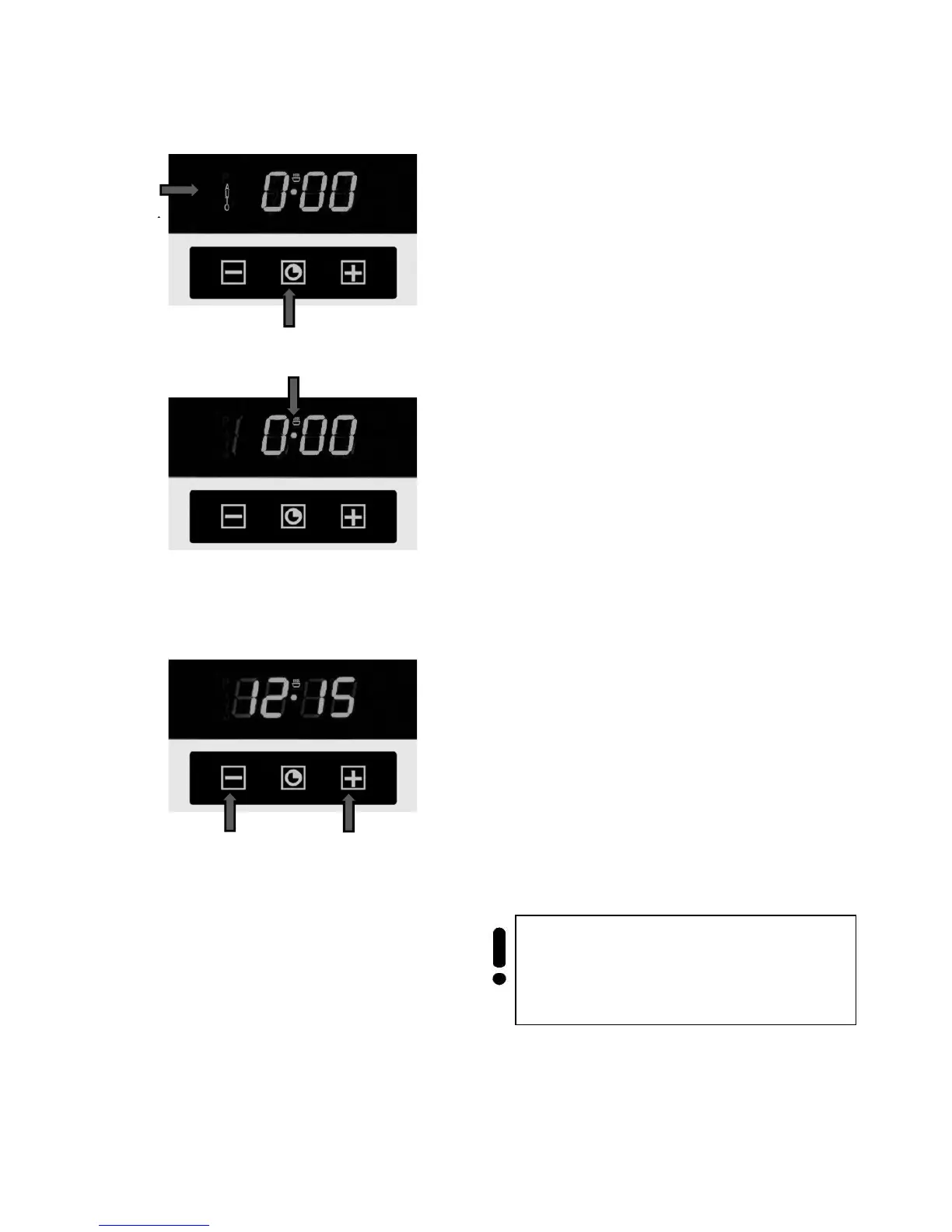
Symbols 1 ( AUTO ) and 0.00 will start flashing
when the unit is switched on for the first time.
Setting the clock
To set the current day time:
• Press the middle key 2 for at least 3
seconds.
The symbol meal preparation 3 appears on
the display
• By pressing choice keys 4 or 5 (
- or + )
you can set the time.
After a few seconds the set time is confirmed
through an akustical signal and the symbols stop
flashing.
The set time can be also set afterwards. Therefor
you have to:
• Press the choice keys 4 and 5 (
- or + )
simultaneously for 3 seconds and the time
is regulated as described.



 To Next Page