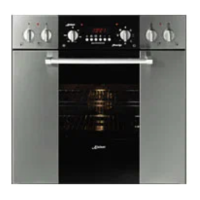
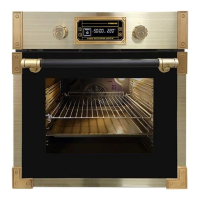
The oven is equipped with an intelligent light
control to reduce the electricity consumption. The
light stays on while the oven is warming up and for
3 minutes after the set temperature is reached,
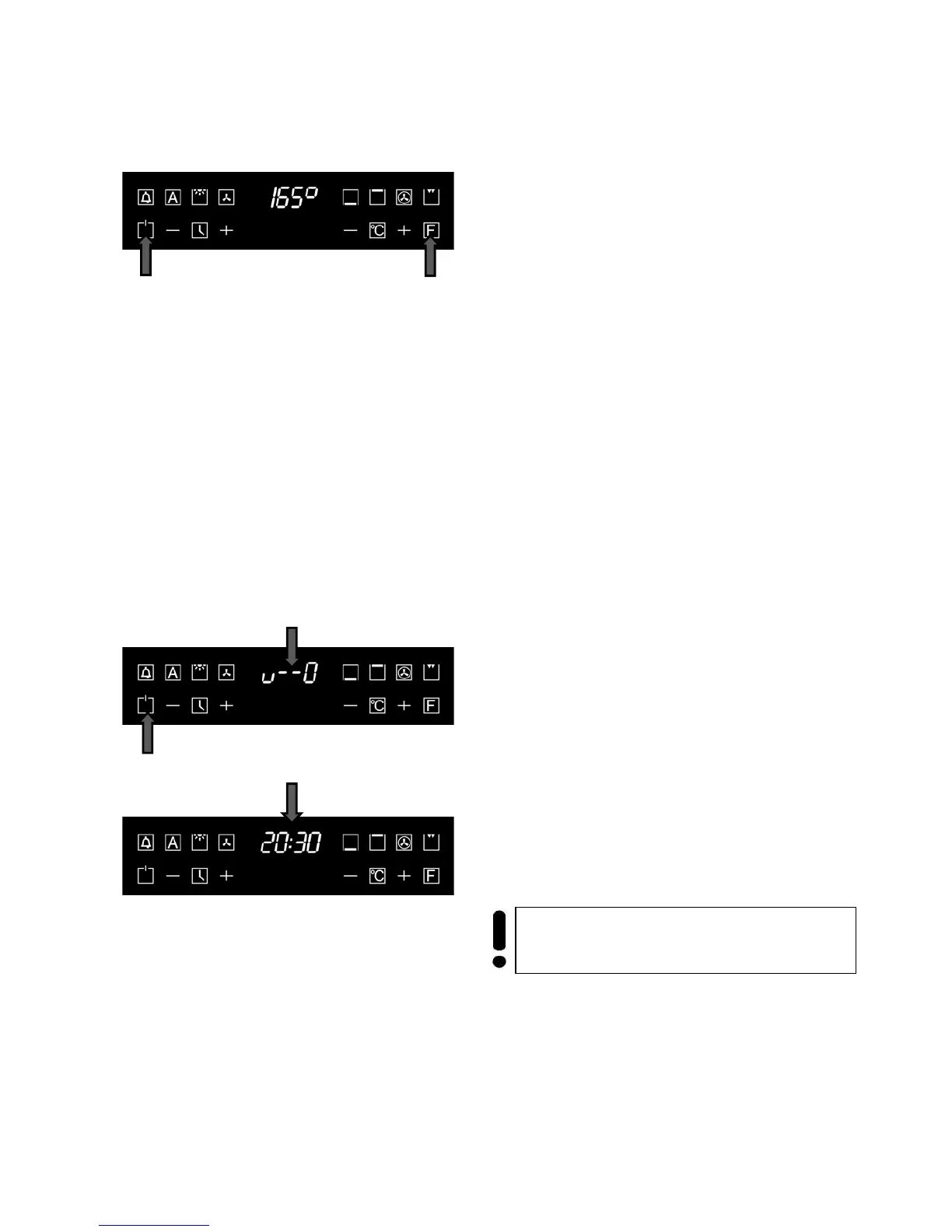
To check a meal in the oven, touch the
oven lighting key 1.
The oven light turns on for 3 minutes.
• To turn off the oven light, touch the key 1.
The oven light is on for 1 hour (for easy cleaning) if
the oven would be turn on by the key 2 without
choose any function.
Child lock
An important planning possibility in your new oven
with electronical programmable Logic control is
to prevent inadvertent shift or unintentional
turning-on. You can activate the child lock at any
time, even when the oven is turned off.
• Touch and hold the key ON/ OFF 2 for at
least 5 seconds to activate the child lock.
The oven emits a sound signal. On the display the
symbols 3 (key) and 4 (current time) are replaced.
The oven’s electronic control is blocked. Now
you can only turn off the oven (if it’s on) or turn
on/ off the oven light.
If you press any key, the symbol 3
times.
• Touch and hold the key ON/OFF 2 for at
least 5 seconds to deactivate the child lock.
The electronic control of the oven is ready for use
again.
Important! If the oven is turned off, the child
lock function remains active!



 To Next Page