EasyManua.ls Logo

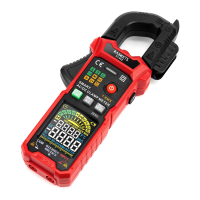
Kaiweets KC602 - Non-contact AC Voltage Detection (NCV); Using NCV Detection

Kaiweets KC602
24 pages
Print Icon
To Next Page IconTo Next Page
To Previous Page IconTo Previous Page
Loading...
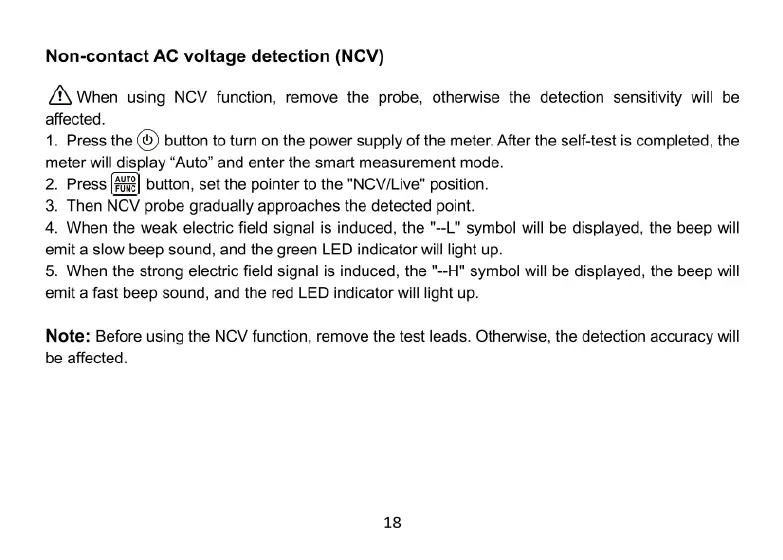
Non-contact
AC
voltage
detection
(NCV)
/\
When
using
NCV
function,
remove
the
probe,
otherwise
the
detection
sensitivity
will
be
affected.
1.
Press
the
@
button
to
turn
on
the
power
supply
of
the
meter.
After
the
self-test
is
completed,
the
meter
will
display
“Auto”
and
enter
the
smart
measurement
mode.
2.
Press
[B2]
button,
set
the
pointer
to
the
"NCV/Live"
position.
3.
Then
NCV
probe
gradually
approaches
the
detected
point.
4.
When
the
weak
electric
field
signal
is
induced,
the
"~-L"
symbol
will
be
displayed,
the
beep
will
emit
a
slow
beep
sound,
and
the
green
LED
indicator
will
light
up.
5.
When
the
strong
electric
field
signal
is
induced,
the "~-H"
symbol
will
be
displayed,
the
beep
will
emit
a
fast
beep
sound,
and
the red
LED
indicator
will
light
up.
Note:
Before
using
the
NCV
function,
remove
the
test
leads.
Otherwise,
the
detection
accuracy
will
be
affected.
18