Need help?
Do you have a question about the Kaleidescape Terra and is the answer not in the manual?
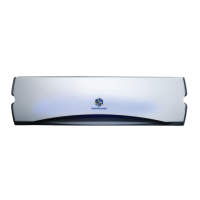
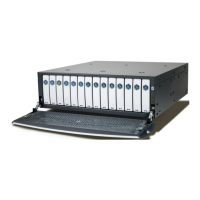
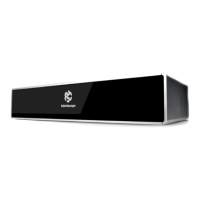
Describes the Kaleidescape Terra movie server and its function in storing and delivering movies without compression.
Lists key features like storage capacity, simultaneous playbacks, and system configuration capabilities.
Lists the physical items included in the Terra server package, such as the server and accessories.
Explains the function and operation of the power button on both full-size and compact Terra units.
Details the front panel indicators that signal problems with temperature, hard disk, network, or general status.
Outlines guidelines for ventilation, clearance, power, and network requirements before installation.
Provides instructions for placing the Terra server on a stable surface like a tabletop or shelf.
Details the process of installing the full-size Terra server into a standard equipment rack.
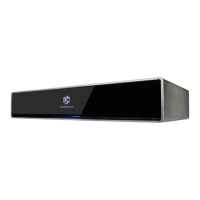
Explains how to rack-mount the Terra (compact) unit, including faceplate options.
Describes the necessary steps to connect the Terra server to the local network via Ethernet.
Guides users through the initial setup process for Terra and other Kaleidescape players in a system.
Explains how to use the Browser Interface to add and group Terra servers and players into a system.
Details the steps to add new Kaleidescape components to an existing or new system.
 General
| Brand | Kaleidescape |
|---|---|
| Model | Terra |
| Category | Server |
| Language | English |

 To Next Page