• This does not affect the safety of your appliance.
Caution: When moving the MAXX Air Fryer, make sure that you hold it
securely and support the base—do not rely on the food basket handle
when moving the fryer!
USING YOUR MAXX AIR FRYER
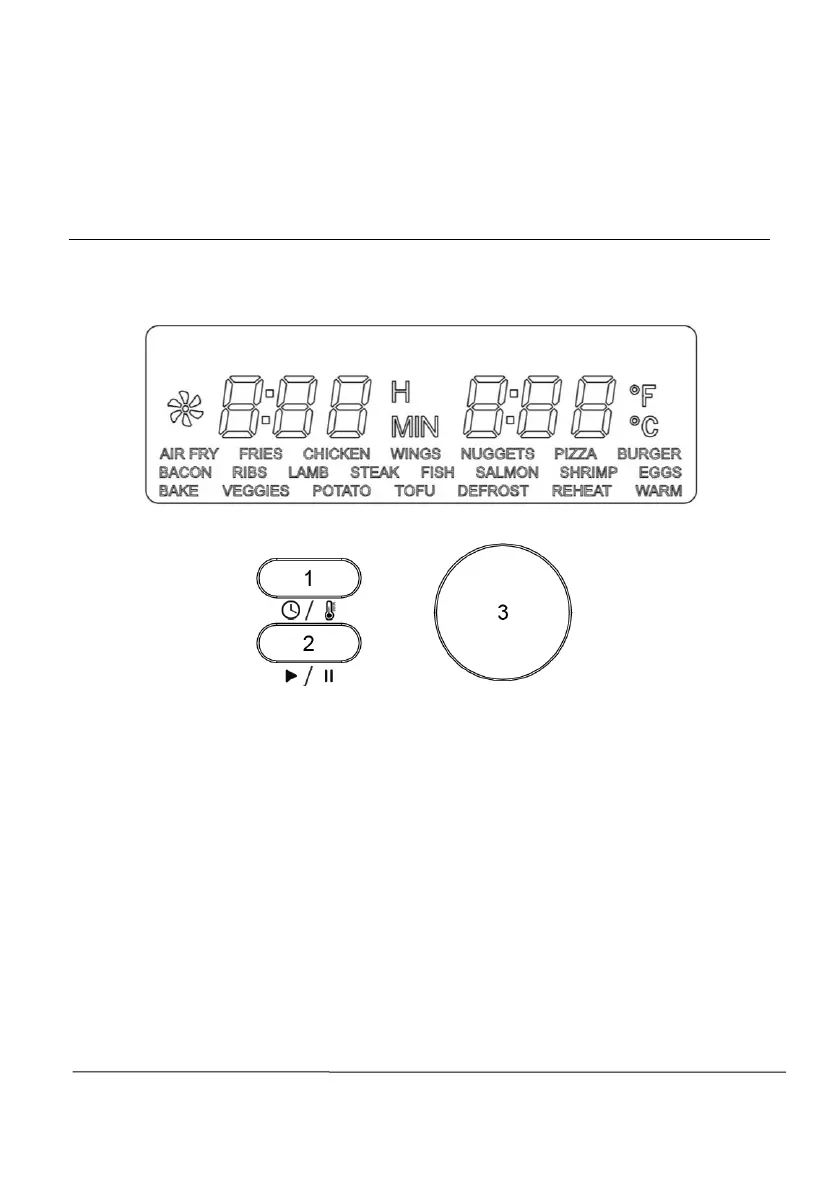
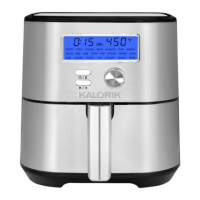
Control panel:
1. Time/Temperature: Use this button to select and adjust the cooking
time and temperature before or during cooking.
2. Start/Stop: Use this button to start and stop the cooking process.
Press after selecting a preset or after adjusting cooking time and
temperature to start cooking. Stop cooking at any time by pressing
the button again.
3. Dial: Use to navigate the presets and to adjust time and
temperature. Turn left to decrease and right to increase. Turning the
dial will increase or decrease the cooking time rapidly by
increments of 1 minute and temperature by 5 degrees Fahrenheit.




 To Next Page