SETTING THE MIC EQ
Press the main menu button until mic 100Hz is displayed in the screen
The function of this is to control the frequencies of the mic
( range of 100Hz-200Hz-400Hz-800Hz-1.6Hz-3.2Hz-6.4Hz )
With an adjustment range of +/- 10db on each of the frequency ranges
Using the up/down buttons select the desired effect
This function is also available on the remote control press the
main menu button until mic 100Hz is displayed in the screen then
use the up/down buttons to select desired setting
MIC HPF (HIGH PASS FILTER) SETTING
Press the main menu button mic Hpf is displayed in the screen
The range of the high pass filter is 50hz - 200hz
Using the up/down buttons select the desired effect
This function is also available on the remote control press the
main menu button until mic Hpf is displayed in the screen then
use the up/down buttons to select desired setting
MIC LPF (LOW PASS FILTER) SETTING
Press the main menu button mic lpf is displayed in the screen
The range of the low pass filter 6k - 15Khz
Using the up/down buttons select the desired effect
This function is also available on the remote control press the
main menu button until mic lpf is displayed in the screen then
use the up/down buttons to select desired setting
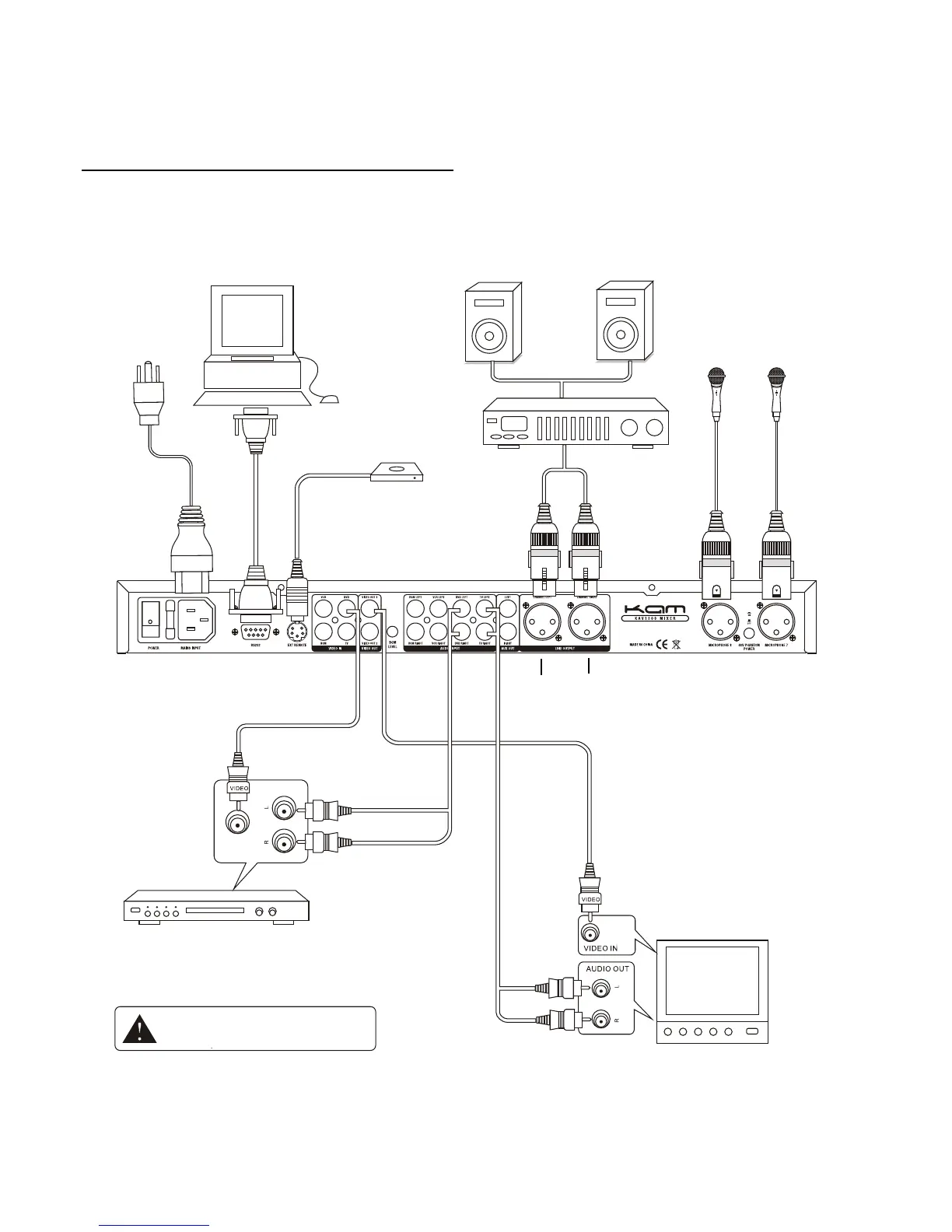
REAR PANEL SETUP



 To Next Page