English
Pump X1 - Quick start instruction
Thank you for choosing the Kamoer X1 Bluetooth dosing pump, Kamoer's latest dosing system that
can be controlled by most mobile Bluetooth devices..
For the latest information about this product and the support service information for the product,
please visit www.kamoer.com.
PACKING LIST
1 Dosing Pump X1, 1 Power Supply, 1 Graduated Cylinder, 1 Power Link Cable, transparent PVC
Tubing
SPECIFICATIONS
Dosing Channel: 1
Dosing Times: 12 times / day -once / 31 days
Fluid Volume: .1ml - 6000ml
Accuracy: <+/-2%
Pump Life: >2000 hour
INSTALLATION
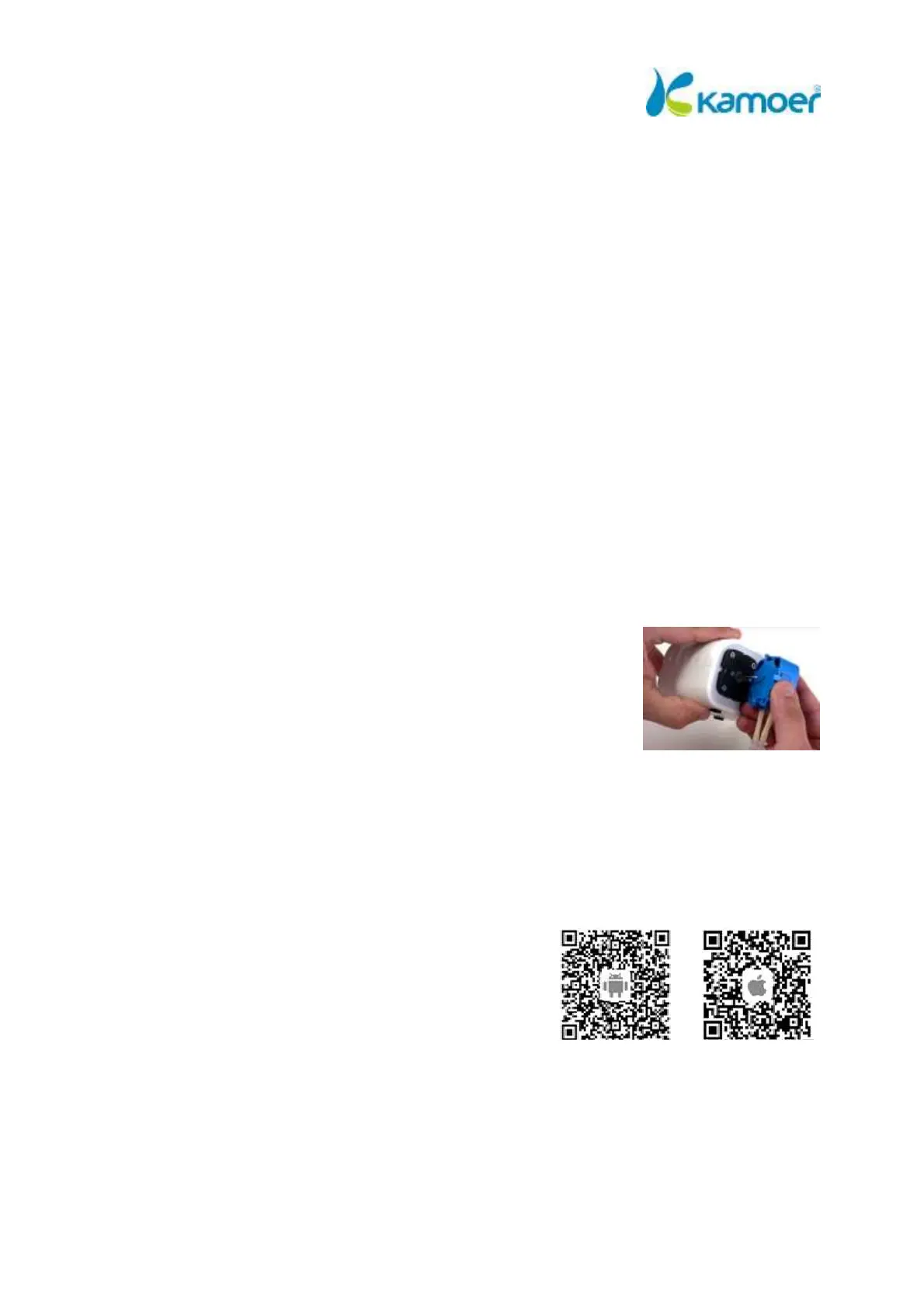
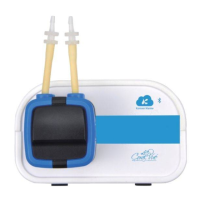
1. Attach the dosing pump head to the main unit by lining up the center
of the exposed side of the dosing head on to the front of X1 unit and
push the head in until it snaps into place. You can install the head with
the tubing down, up to the left or right. Just choose the option that
better suits your setup.
2. The location of your X1 should be easy to access; it should be close to
an electrical power source, close to sump or location where the dosing tubing will be installed and
also have easy access to dosing containers that will hold the solutions. The unit should also be
installed higher than the sump but not directly above water.
3. Connect the tubing by attaching the included PVC clear tubing to the unions already attached to
the doser head and we are ready to configure the X1. The intake is the right most tube and the
output to the left when installed facing downwards.
OPERATION
1. Download and install the “X1 Pump” App from the Google
Play or Apple App Store and make sure that the Bluetooth
on our mobile device is set to on.
2. Start the app and click on the upper left-hand corner “Plus
Symbol” to add a new device. Tap on the Bluetooth
symbol to let the app scan the surrounding area and find
your X1 pump. All done! Your X1 device is now connected.
3. Name your pump by tapping on the three dots to the right of the pump and select “Set
Nickname”. Type in your new name and tap “Confirm”.


 To Next Page