4. Once the Autoloader 200 has finished reading the source disc it will eject the disc and the
LCD will instruct you to press any key (Set or Run) to exit.
5. Press the set button until you return to the COPY function and the LCD will show that you
have loaded a source disc onto the hard drive.
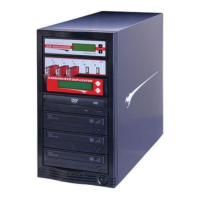
Understanding the LCD Display Panel:
NOTE: The LCD displays menu options, operating instructions, and also information on what the
duplicator is doing. Use it to walk you through simple DVD duplicating.
You can select the following modes by pushing the SET button on the controller. Then push the
RUN button to perform that function.


 To Next Page