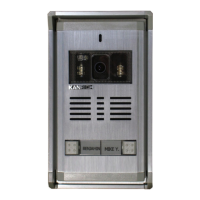
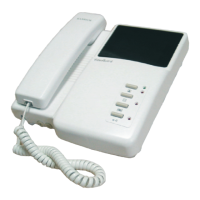
Mifare Card
The user guide of Card Reader For CALM - Villa Type
To add new cards:
1. To add cards:
By Master REG (The Master Card for registering a new card or cards)
Steps: To swipe Master REG one time--beep--green light flashing
--swipe new card(or cards)--beep in twice
Successfully register new card (or cards), if you want to
stop adding cards,
just swipe Master REG one time --beep-- --finish.green light off
2. To cards: delete
By Master DEL (The Master Card for deleting a new card or cards)
Steps: To swipe Master DEL one time--beep--red light flashing
--swipe the card(or cards) want to be deleted--beep in twice
Successfully delete a card (or cards), if you want to
stop deleting cards, just swipe Master DEL one time
--beep-- --finish.red light off
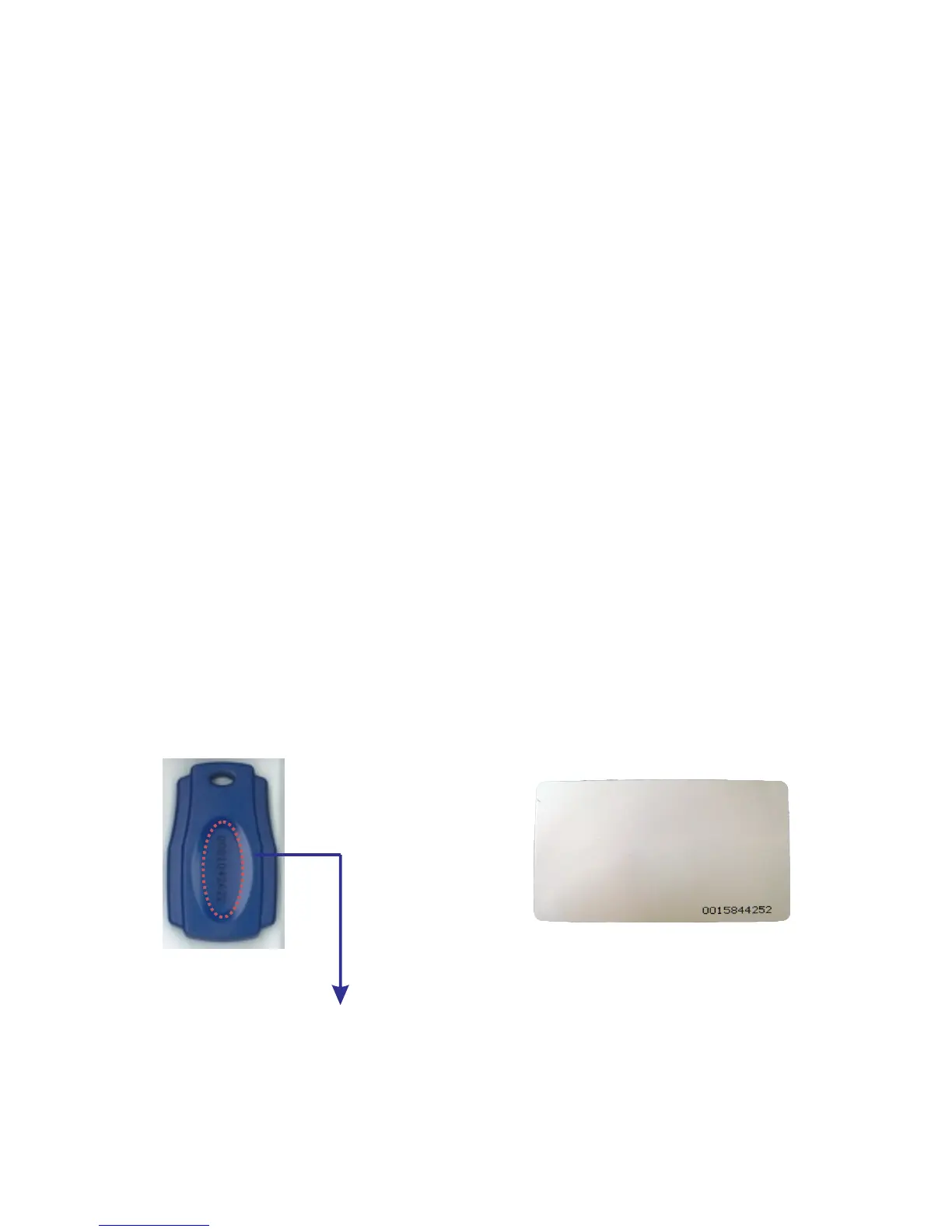
Please add "00" before the 8-digit number to be 10-digit.
Mifare Key Tag
P14-2


 To Next Page
 Loading...