EasyManua.ls Logo

Kantronics KPC-2 - Connecting the TNC to Your Computer; TNC to Computer Connection Setup; TNC to Computer Cable Wiring

Default Icon
86 pages
Print Icon
To Next Page IconTo Next Page
To Previous Page IconTo Previous Page
Loading...
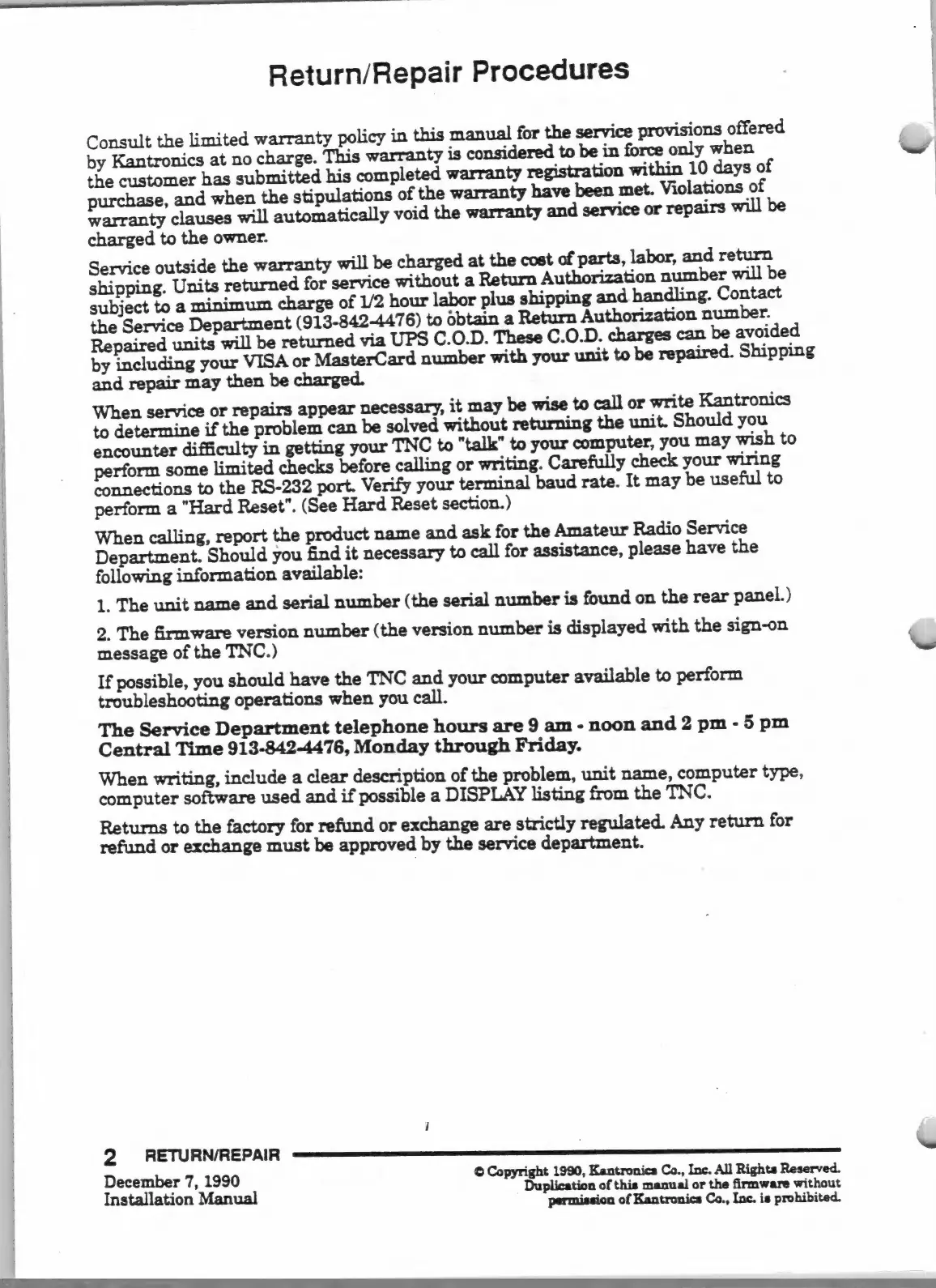
Return/Repair
Procedures
Consult
the
limited
warranty
policy
in
this
manual
for
the
service
provisions
offered
by
Kantronics
at
no
charge.
This
warranty
is
considered
to
be
in
force
only
when
the
customer
has
submitted
his
completed
warranty
registration
within
10
days
of
purchase,
and
when
the
stipulations
of
the
warranty
have
been
met.
Violations
of
warranty
clauses
will
automatically
void
the
warranty
and
service
or
repairs
wi
charged
to
the
owner.
Service
outside
the
warranty
will
be
charged
at
the
cost
of
parts,
labor,
and
return
shipping.
Units
returned
for
service
without
a
Return
Authorization
number
will
be
subject
to
a
minimum
charge
of
1/2
hour
labor
plus
shipping
and
handling.
Contact
the
Service
Department
(913-842-4476)
to
óbtain
a
Return
Authorization
number.
Repaired
units
will
be
returned
via
UPS
C.O.D.
These
C.O.D.
charges
can
be
avoided
by
including
your
VISA
or
MasterCard
number
with
your
unit
to
be
repaired.
Shipping
and
repair
may
then
be
When
service
or
repairs
appear
necessary,
it
may
be
wise
to
call
or
write
Kantronics
to
determine
if
the
problem
can
be
solved
without
returning
the
unit.
Should
you
encounter
difficulty
in
getting
your
TNC
to
"talk"
to
your
computer,
you
may
wish
to
perform
some
limited
checks
before
calling
or
writing.
Carefully
check
your
wiring
connections
to
the
RS-232
port.
Verify
your
terminal
baud
rate.
It
may
be
useful
to
perform
a
"Hard
Reset".
(See
Hard
Reset
section.)
When
calling,
report
the
product
name
and
ask
for
the
Amateur
Radio
Service
Department.
Should
you
find
it
necessary
to
call
for
assistance,
please
have
the
following
information
available:
1.
The
unit
name
and
serial
number
(the
serial
number
is
found
on
the
rear
panel.)
2.
The
firmware
version
number
(the
version
number
is
displayed
with
the
sign-on
message
of
the
TNC.)
If
possible,
you
should
have
the
TNC
and
your
computer
available
to
perform
troubleshooting
operations
when
you
call.
The
Service
Department
telephone
hours
are
9
am
-
noon
and
2
pm
-
5
pm
Central
Time
913-842-4476,
Monday
through
Friday.
When
writing,
include
a
clear
description
of
the
problem,
unit
name,
computer
type,
computer
software
used
and
if
possible
a
DISPLAY
listing
from
the
TNC.
Returns
to
the
factory
for
refund
or
exchange
are
strictly
regulated.
Any
return
for
refund
or
exchange
must
be
approved
by
the
service
department.
I
December
7,
1990
©
Copyright
1990,
Kantronics
Co.,
Ine.
All
Rights
Reserved.
Installation
Manual
Duplication
of
this
manual
or
the
firmware
without
permission
of
Kantronics
Co.,
Inc.
is
prohibited.

Other manuals for Kantronics KPC-2

Related product manuals