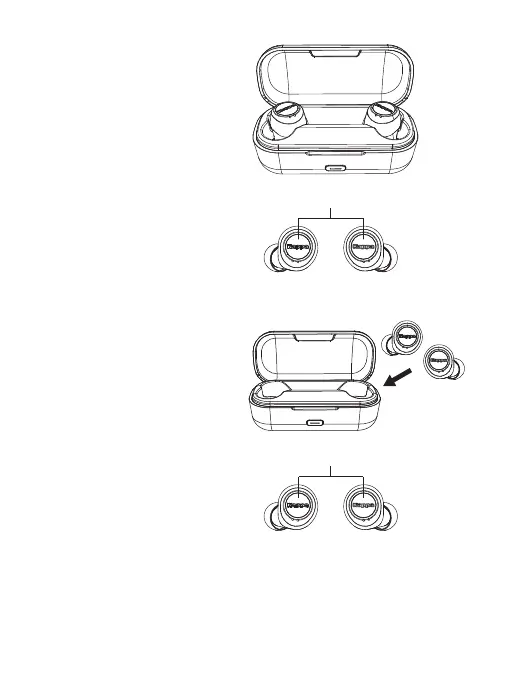
Power On
Mode 1:
Open the charging case, the earbuds
will auto power on.
Power Off
Mode 1:
Put earbuds into charging case and close
the lid, the earbuds will auto power off.
Mode 2:
Press and hold L&R buttons for 3s while
the earbuds are out of the charging case.
Mode 2:
Press and hold L&R buttons for 3s while
the earbuds are out of the charging case.
Mode 3:
Pairing beyond 5 mins, earbud will power off.
Mode 4:
Earbuds pairing with device; No connection beyond 5 mins,
TWS will auto power off.


 To Next Page