LED Lights Indication
Earbuds LED
Mode 1 Power On LED solid blue 2s
Mode 2 Power Off LED blink solid red once
Mode 3 Pairing Mode LED lights blink red/blue
Mode 4 Connect Mode LED lights slow-blink blue
Mode 5 Reset Mode LED blink blue 3 times, then LED solid red once
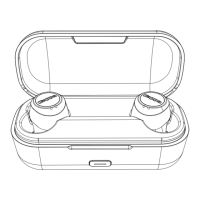
Charging Case LED
Mode 1 Charging Case Charging Earbuds LED pulsing white
Mode 2 Earbuds fully charged LED goes off
Mode 3 Charging the charging case LED lights slow-blink white
Mode 4 Charging case fully charged LED solid white
Charging Case Battery Indication
Short press charging case button
75% - 100% battery White LED flash 4 time
50% - 75% battery White LED flash 3 time
25% - 50% battery White LED flash twic
Below 25% battery White LED off
FAQ
1. Single side connect with earbuds, need to switch to both sides.
2. Under shutdown status, press and hold both buttons for 10S(L/R, both sides), LED flash blue 3
times, LED Flash red once, earbuds will power off.
3. Put earbuds into charging case, press and hold charging case button for 6S to reset earbuds. L/R
LED flash blue th ee times, LED flash ed once and power off.


 To Next Page